Map initialization
You can use the map parameters style, center, and zoom to define the initial appearance of the map. This example uses Mapmost SDK Lite on the web pageHTMLInitialize the map in the element.
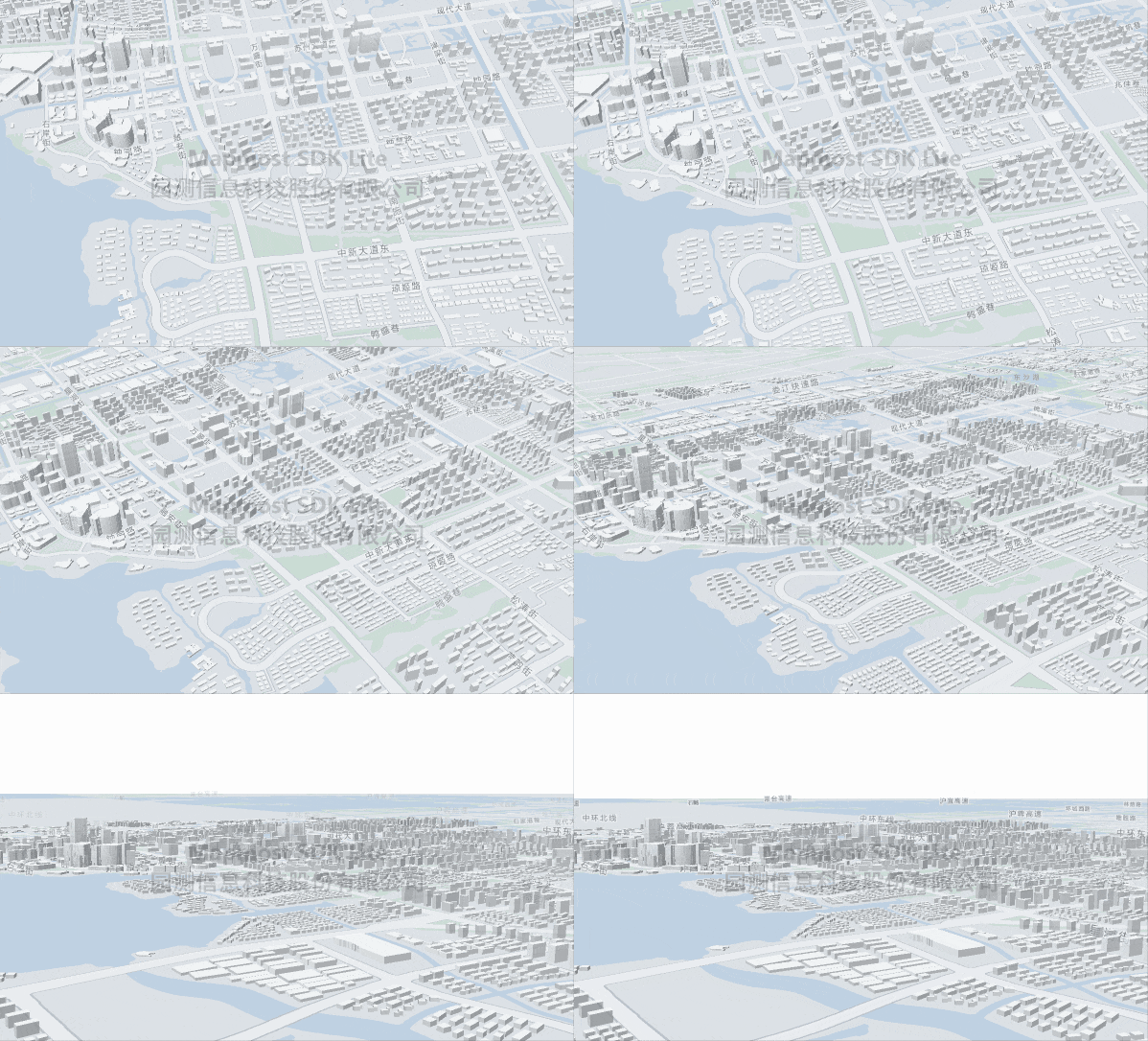
<!DOCTYPE html>
<html>
<head>
    <meta charset="utf-8"/>
    <title>Display a map</title>
    <meta name="viewport" content="initial-scale=1,maximum-scale=1,user-scalable=no"/>
    <style>
        body {
            margin: 0;
            padding: 0;
        }

        #map {
            position: absolute;
            top: 0;
            bottom: 0;
            width: 100%;
        }
    </style>
    <script src="https://delivery.mapmost.com/cdn/sdk/lite/v9.1.0/mapmost-lite-min.js"></script>
</head>
<body>
<div id="map"></div>
<script>
    let map = new mapmost.Map({
        container: 'map',
        style: "<your style url>",
        center: [120.72541613154851, 31.31171803927643],
        zoom: 14,
        userId: '***', // Authorization code,This parameter must be added
    });

</script>
</body>
</html>