Offline deployment
Offline deployment
- Offline deployment is divided into two modes: offline service authorization and confidential dog authorization.
- Offline service authorization deployment documents are provided with the download package.
- In the case of offline authorization, cross-domain request problems may occur, which can be solved by updating the authorization deployment package or setting `expireTip` to false during map initialization.
Offline service authorization
Parameters
- Configure the
authConfigparameter when initializing the map. For details, please refer to the [Map](/mapmost_docs/webgl_en/latest/docs/Map# parameter ':type=code') parameter.Name Type Description authConfig Object Requiredparameter name type default value description authServiceAddress String RequiredAuthorized service address. authServiceUseSSL Boolean true optionalWhether to use SSL when connecting to the authorization service. pluginAddress String RequiredAuthorized plug-in address. authInfoPort Number 39026 optionalAuthorization information port.
Example
<!DOCTYPE html>
<html>
<head>
    <meta charset="utf-8"/>
    <title>Display a map</title>
    <meta name="viewport" content="initial-scale=1,maximum-scale=1,user-scalable=no"/>
    <style>
        body {
            margin: 0;
            padding: 0;
        }

        #map {
            position: absolute;
            top: 0;
            bottom: 0;
            width: 100%;
        }
    </style>
    <script src="https://***/cdn/sdk/webgl/v9.16.0/mapmost-webgl-min.js"></script>
</head>
<body>
<div id="map"></div>
<script>
    let map = new mapmost.Map({
        container: 'map', // map container id
        style: "https://***/cdn/styles/sample_data.json", // style file URL
        center: [120.71923008473078, 31.29446443371741], // Initial center point of the map
        zoom: 14.7, // Initial level of the map
        // Intranet authorization parameters, where IP needs to be replaced with the IP of the server where Mapmost SDK for WebGL offline authorization is deployed
        authConfig: {
            pluginAddress: 'http://IP:8085/sdk_auth_wasm_bg_opt.wasm',
            authServiceAddress: 'IP:8083',
            authServiceUseSSL: false,
        },
        userId:'***'// Authorization code
    });
</script>
</body>
</html>
Dongle authorization
Installation and use of dongle
1. sense_shield installation
- When using the dongle program for the first time in a new Windows workstation environment, you must install the exe first. The exe can be installed without inserting the dongle
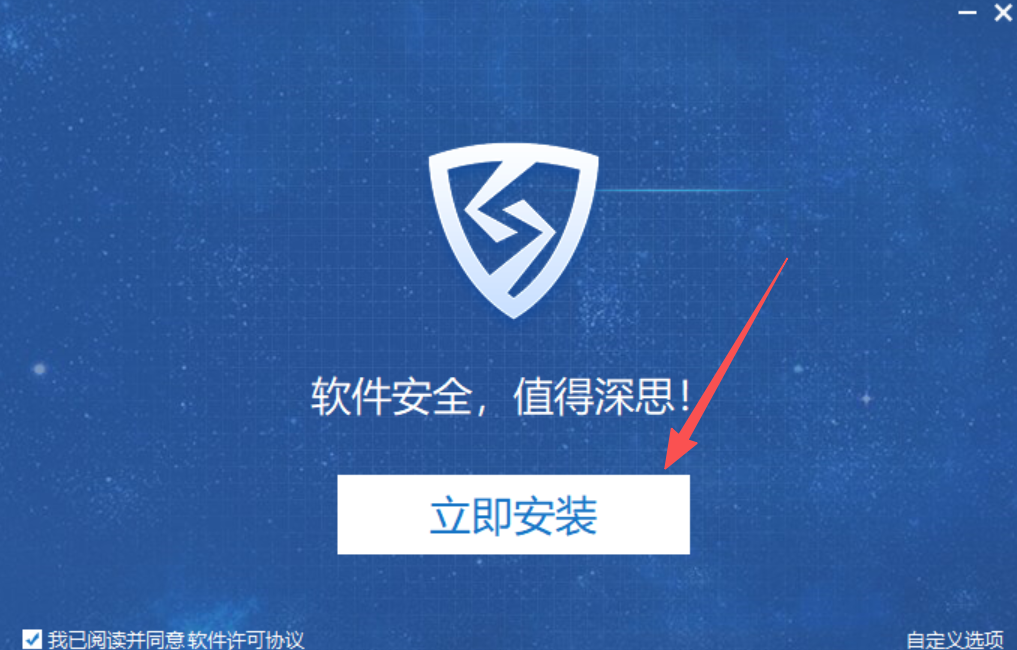
(1) Double-click sense_shield_installer_pub_lcc_2.7.7.69413.exe in the deployment package

(2) Click to install now
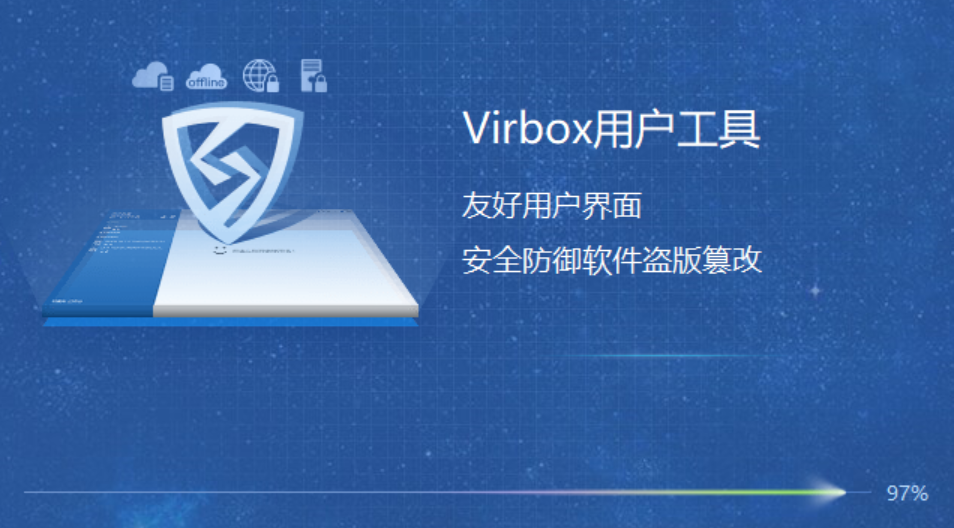
(3) Wait for the installation to complete
2. Start the Mapmost SDK for WebGL dongle program
- This exe must be installed with a dongle inserted
(1) Double-click webgl-studio-month-backend-1.0.0.exe in the deployment package

- As shown in the picture, it means that authorization is already running in the background:
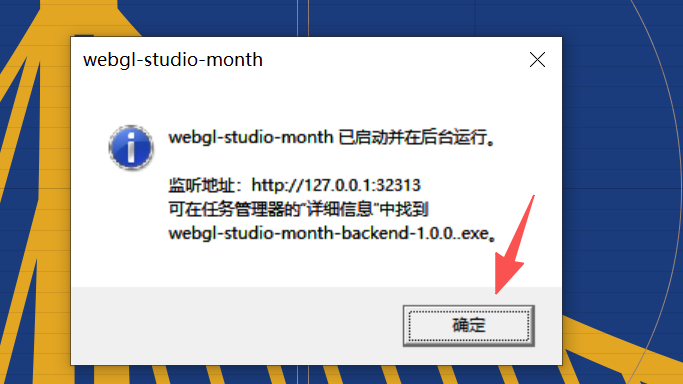
(2) Click to close the pop-up window, which does not affect use
3. Manually close the authorized dongle program
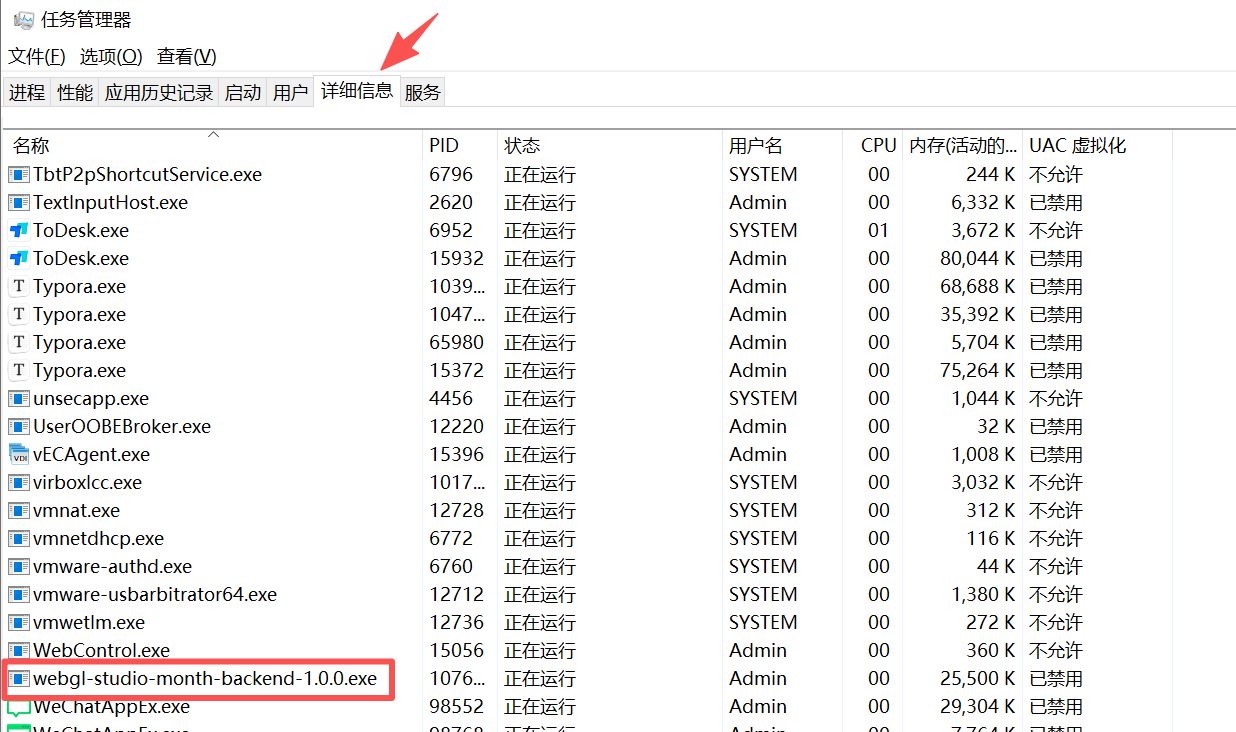
- [Task Manager]-->[Details]-->Find the corresponding background process -->[Right-click][End Task]
SDK Authorization
Parameters
- Configure the
authConfigparameter when initializing the map. For details, please refer to the [Map](/mapmost_docs/webgl_en/latest/docs/Map# parameter ':type=code') parameter.Name Type Description authConfig Object Requiredparameter name type default value description authServiceAddress String RequiredAuthorization service address. secretKey Boolean false optionalWhether to enable dongle authorization code mode. pollingInterval String 30000 optionalPolling interval, in milliseconds.
Example
<!DOCTYPE html>
<html>
<head>
    <meta charset="utf-8"/>
    <title>Display a map</title>
    <meta name="viewport" content="initial-scale=1,maximum-scale=1,user-scalable=no"/>
    <style>
        body {
            margin: 0;
            padding: 0;
        }

        #map {
            position: absolute;
            top: 0;
            bottom: 0;
            width: 100%;
        }
    </style>
    <script src="https://***/cdn/sdk/webgl/v9.16.0/mapmost-webgl-min.js"></script>
</head>
<body>
<div id="map"></div>
<script>
    let map = new mapmost.Map({
        container: 'map', // map container id
        style: "https://***/cdn/styles/sample_data.json", // style file URL
        center: [120.71923008473078, 31.29446443371741], // Initial center point of the map
        zoom: 14.7, // Initial level of the map
        // Dongle authorization parameters, where the IP and port number need to be replaced with the server IP and port number that starts the dongle program
        authConfig: {
            authServiceAddress: 'http://IP:32312',
            secretKey: true,
            pollingInterval: '30000',
        }
    });
</script>
</body>
</html>