3DTiles tile clarity adjustment
By setting parameters, the clarity of distant tiles is reduced, thereby improving the smoothness of the overall scene.
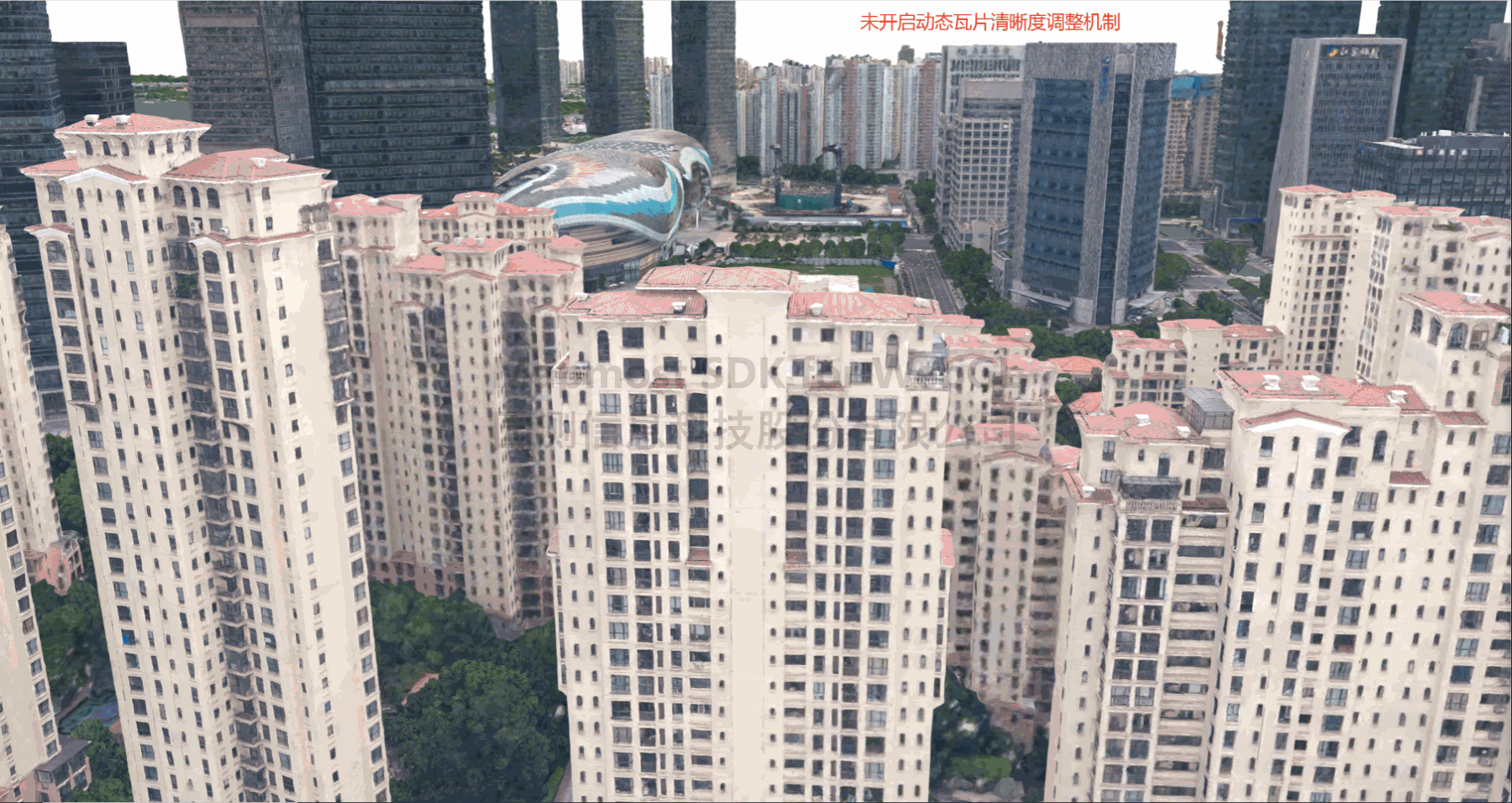
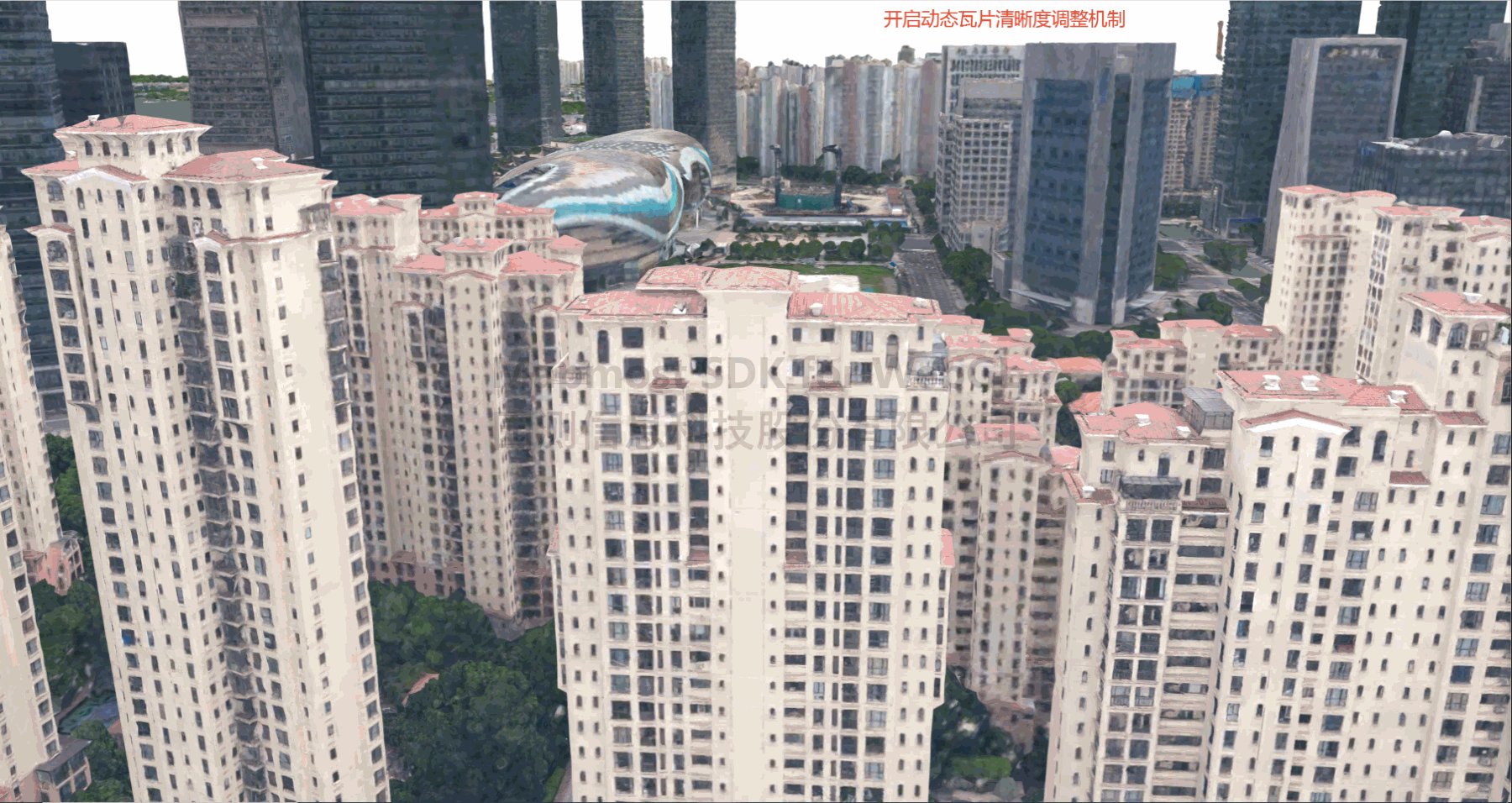
   <!DOCTYPE html>
   <html>
   <head>
       <meta charset="utf-8"/>
       <title>3DTiles tile definition adjustment</title>
       <meta name="viewport" content="initial-scale=1,maximum-scale=1,user-scalable=no"/>
       <style>
           body {
               margin: 0;
               padding: 0;
           }

           #map {
               position: absolute;
               top: 0;
               bottom: 0;
               width: 100%;
           }
       </style>
       <script src="https://delivery.mapmost.com/cdn/sdk/webgl/v9.16.0/mapmost-webgl-min.js"></script>
   </head>
   <body>
   <div id="map"></div>
   <script>
        var map = new mapmost.Map({
        container: 'map',
        style: "<your style url>",
        center: [120.67157852295259, 31.32119811567432],
        zoom: 17,
        bearing: 165,
        pitch: 73,
        userId: '***', // Authorization code
        });

        map.on('load', function () {
            //Load 3DTiles
            const TILESET_URL = "<your 3dtiles url>";
            map.addLayer(
                {
                    id: 'tile-3d-layer',
                    type: "3DTiles",
                    data: TILESET_URL,
                    enableDynamicTileAdujst: true, // Enable tile definition adjustment
                    dynamicTileAdjustFactor: 49, // Set the blur intensity
                    dynamicTileAdjustRange: 0.002, // Set the blur range
                }
            )
        })
   </script>
   </body>
   </html>