Load models in batches
Batch loading and display of existing models based on coordinate points.
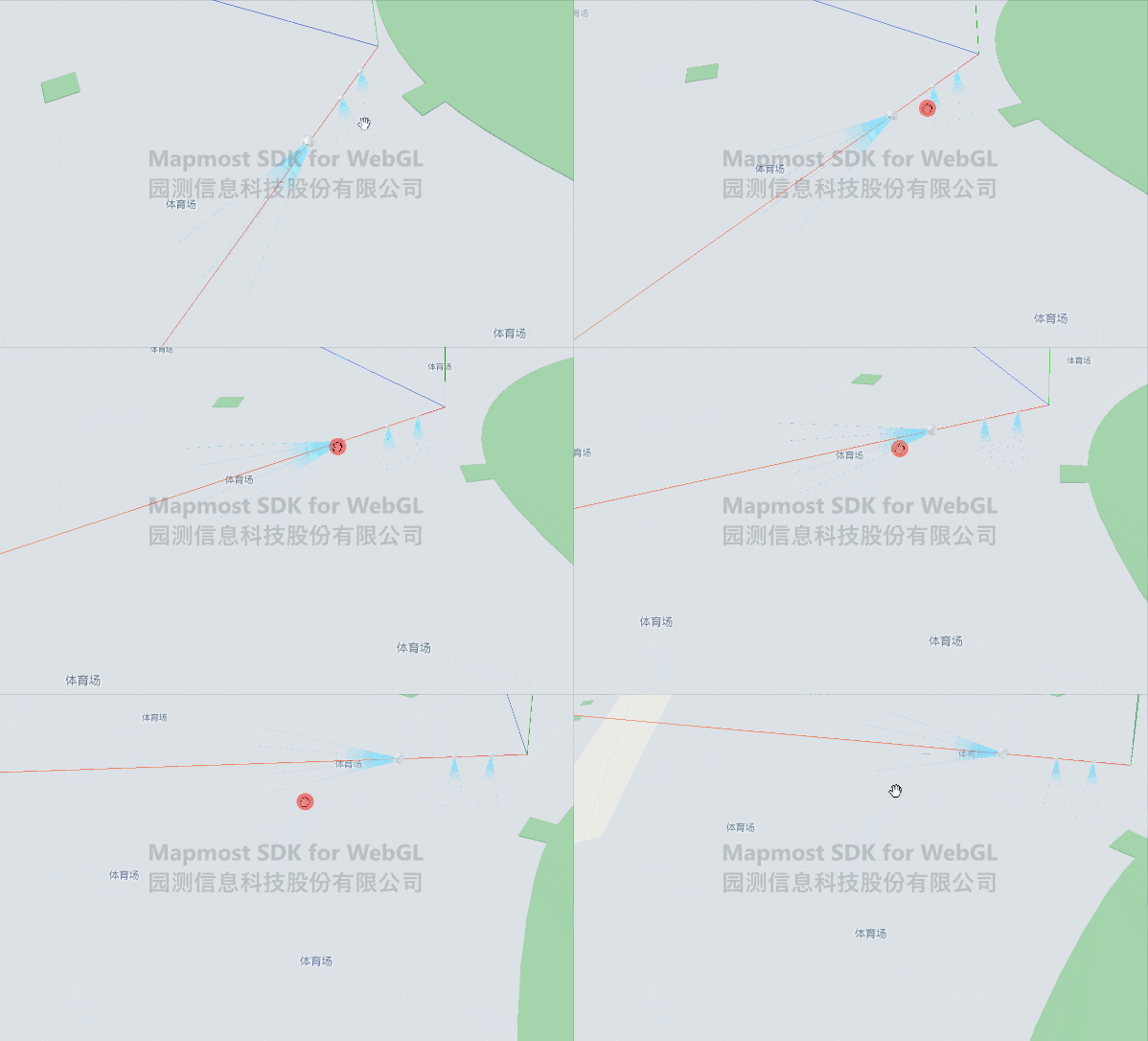
<!DOCTYPE html>
<html>

<head>
    <meta charset="utf-8"/>
    <title>Loading models in batches</title>
    <meta name="viewport" content="initial-scale=1,maximum-scale=1,user-scalable=no"/>
    <style>
        body {
            margin: 0;
            padding: 0;
        }

        #map {
            position: absolute;
            top: 0;
            bottom: 0;
            width: 100%;
        }

    </style>
    <script src="https://delivery.mapmost.com/cdn/sdk/webgl/v9.16.0/mapmost-webgl-min.js"></script>
</head>

<body>
<div id="map"></div>
<script>
    let map = new mapmost.Map({
        container: 'map',
        style: "<your style url>",
        center: [120.74603465203592, 31.30605899929158],
        zoom: 16.810035105070947,
        pitch: 59.48725112156901,
        bearing: -54.10626584095007,
        userId: '***', // Authorization code
    });

    map.on('load', function () {

        let options = {
            id: 'model_id',
            type: 'model',
            callback: function (group, layer) {

                let data = [{
                    coordinate: [120.74603465203592, 31.30605899929158, 10.0]
                }, {
                    coordinate: [120.74609465203592, 31.30605899929158, 10.0]
                }, {
                    coordinate: [120.74615465203592, 31.30605899929158, 10.0]
                }]
                let group0 = layer.addBatchModel({
                    type: "model",
                    model: {
                        type: 'glb',
                        url: "../example_data/ball01_1.glb"
                    },
                    scale: 1,
                    data: data
                }, function (models) {
                    // Get a single model
                    let obj = models.children[0].children[0];
                    //Coordinate system reference, red, green and blue represent xyz axis
                    const axesHelper = new mapmost.THREE.AxesHelper(500);
                    models.children[0].add(axesHelper);
                    //Enlarge the model 2 times
                    obj.scale.set(2, 2, 2)
                    //The model translates 20 meters along the X direction
                    obj.translateX(20)
                    // Rotate the model 90 around the Y axis
                    obj.rotateY(Math.PI / 2);
                })
            }
        };
        map.addLayer(options);
    })
</script>
</body>

</html>