Overview
Mapmost 3D Video Integration
Mapmost 3D Video Integration is professional 3D video-fusion software. It supports calibration for multiple camera types and accurately places surveillance video in 3D scenes for smart campuses, transportation, venues, tourist attractions, correctional facilities, and more.
Live Video Meets 3D. Precisely.
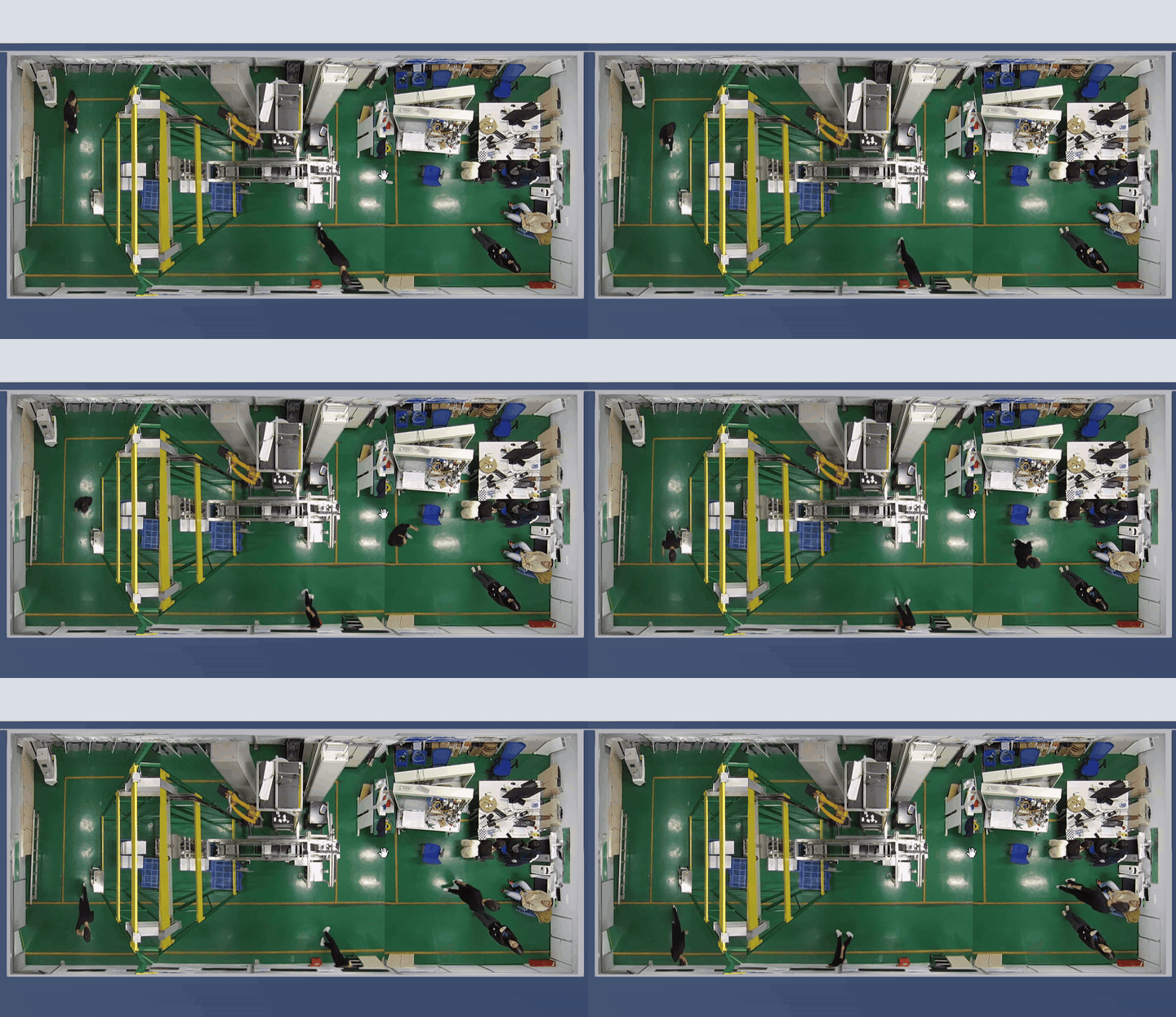
The following scenarios demonstrate how live video aligns with 3D models, roads, buildings, and public spaces, making each feed's location, coverage, and spatial relationship clear in the 3D scene.
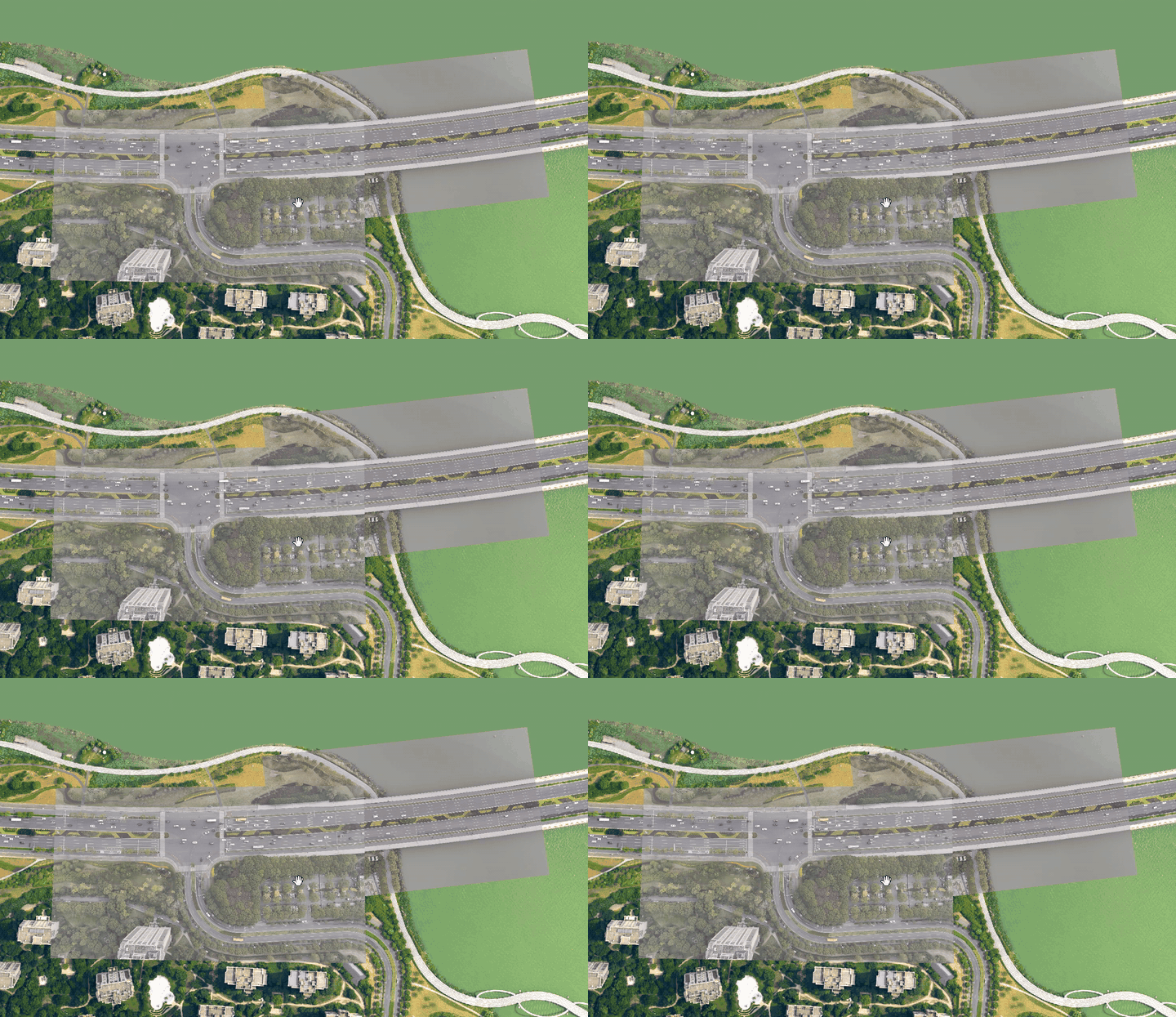

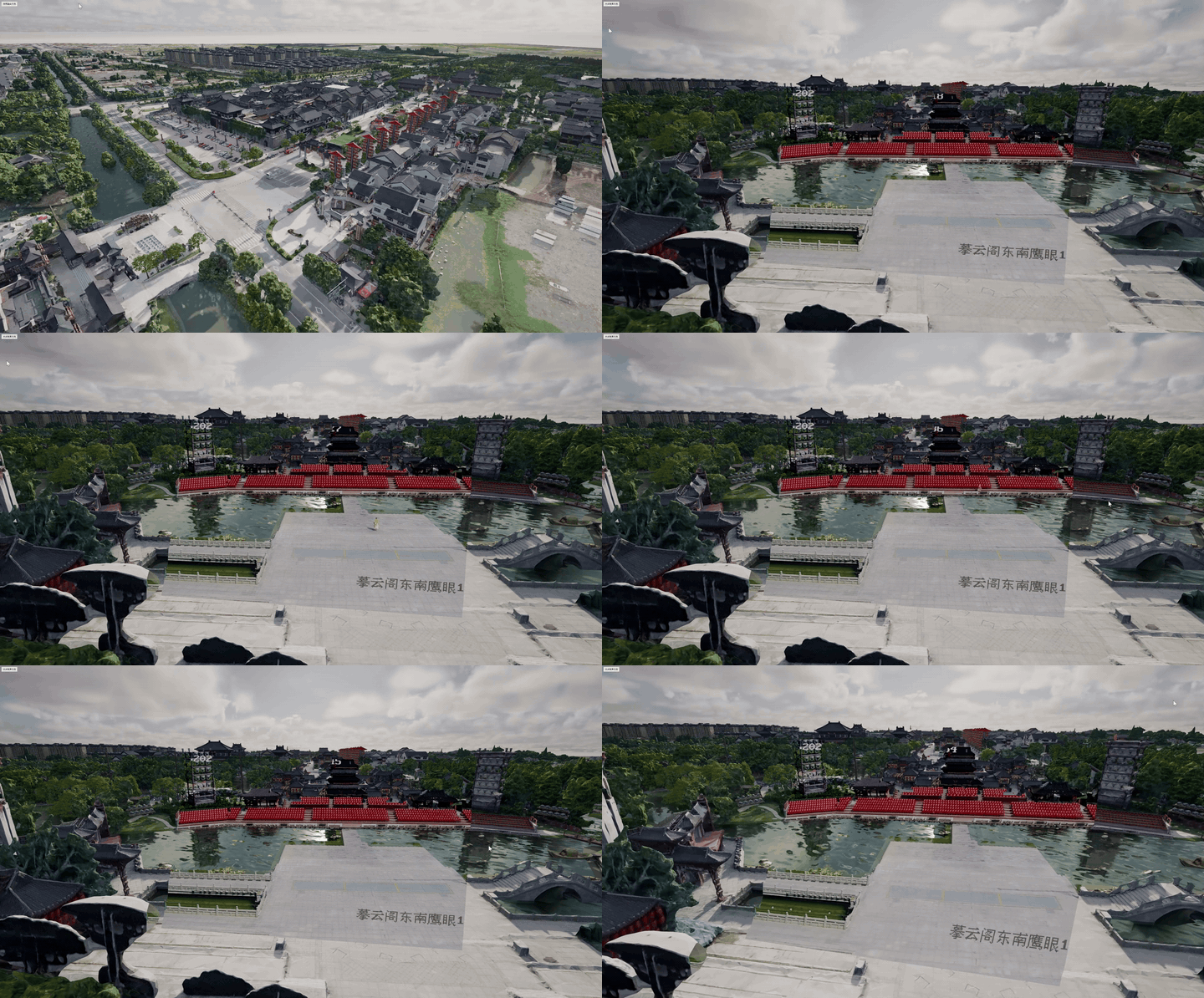
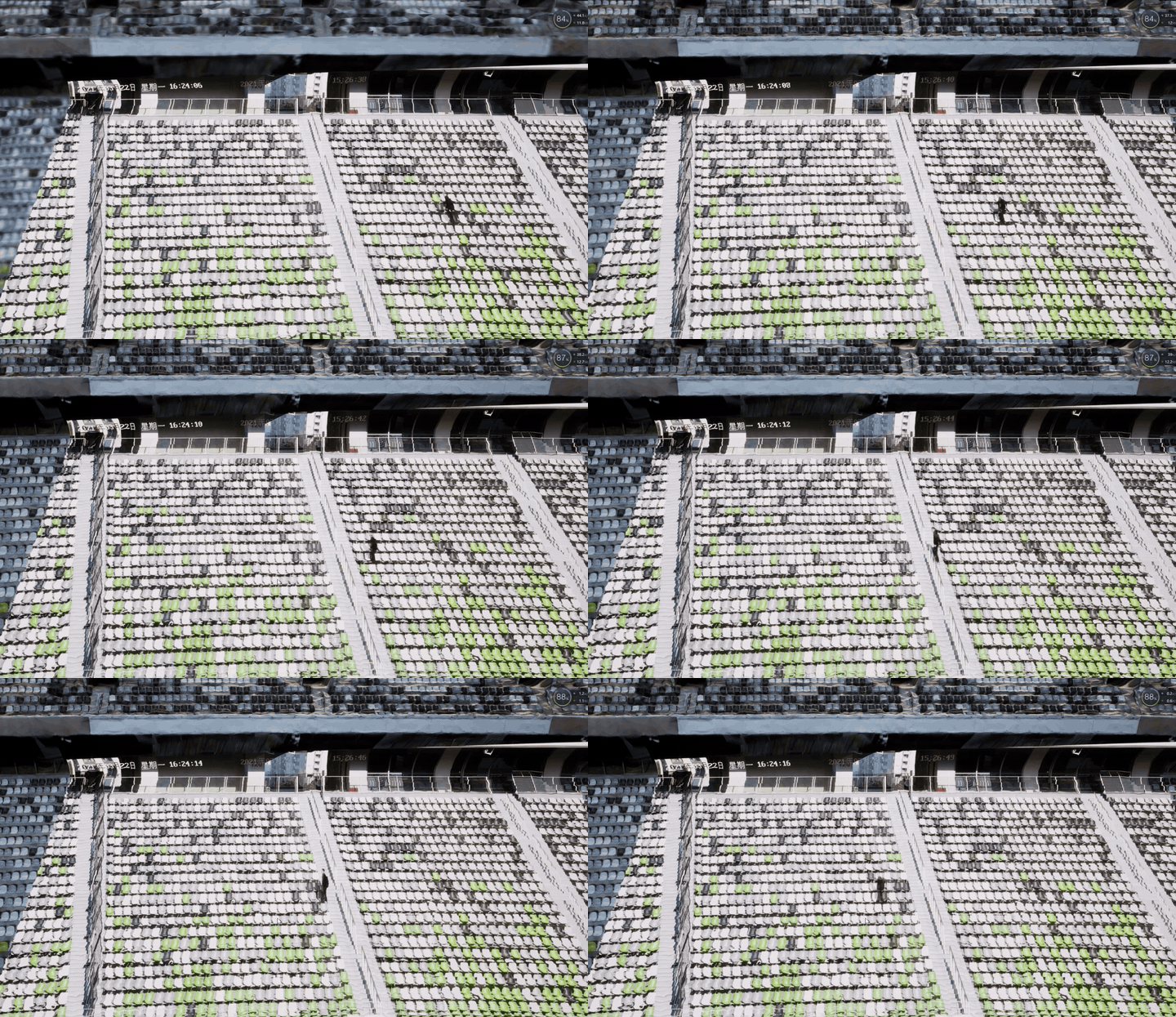
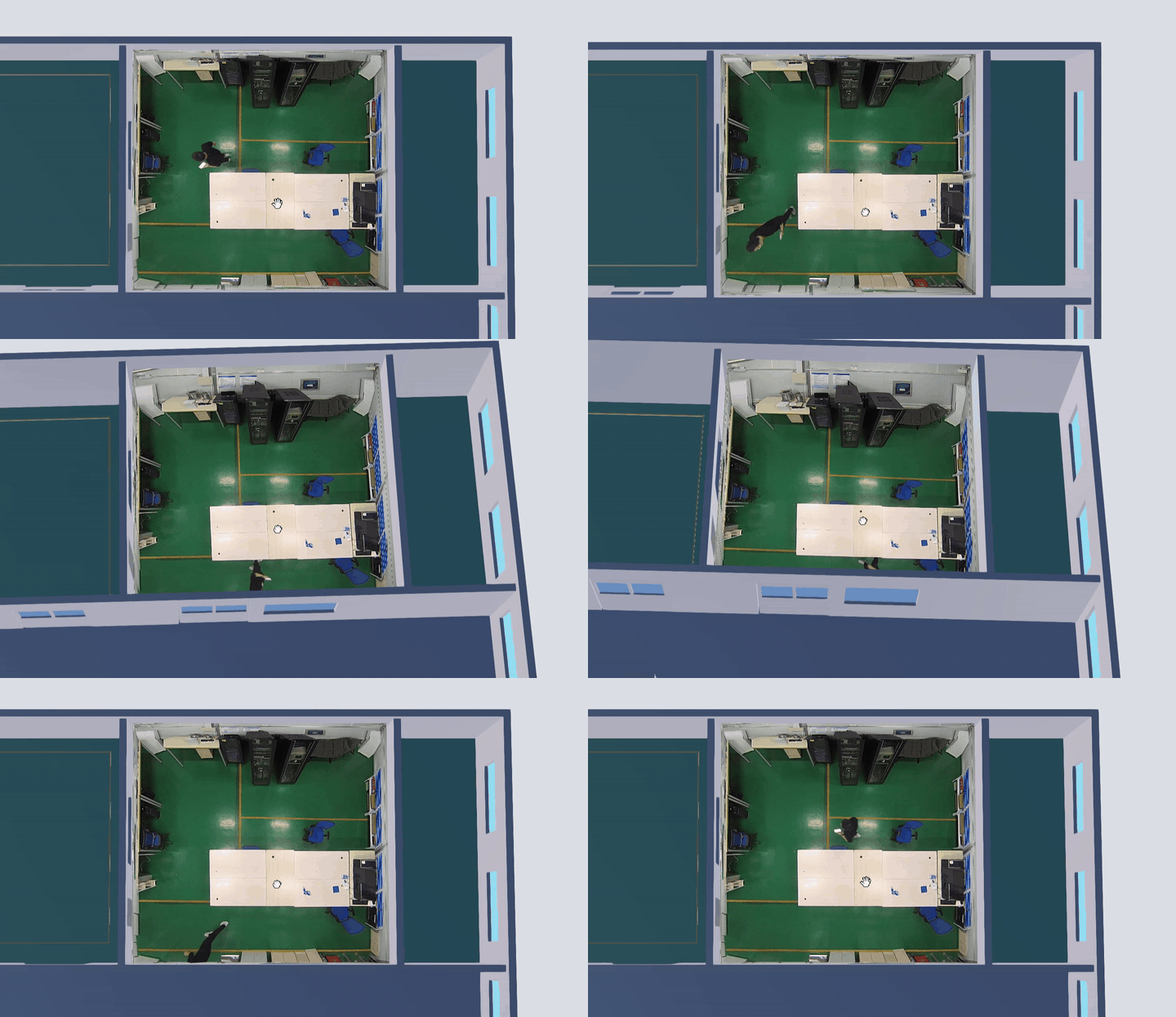
Functional Modules
| Module | Feature | Description |
|---|---|---|
| Sign in | User sign-in | Support logging in with mobile verification code or WeChat. |
| Camera List | Register Camera | Register a camera with its name, ID, stream URL, and other information. |
| Fixed Camera Calibration | Correct distortion, calculate intrinsic and extrinsic parameters, fine-tune, and save. | |
| Fisheye Calibration | Correct distortion, reuse parameters, configure the center point, and calibrate five faces. | |
| Export Parameters | Export calibrated camera parameters as JSON for use with Mapmost SDK for WebGL. | |
| Group Configuration | Edit Groups | Maintain a three-level group hierarchy and create or edit groups. |
| Assign Camera Groups | Drag cameras to change their assigned group. | |
| Video Processing | Color Matching | Correct and unify video colors for consistent fusion. |
| Video Cropping | Configure video cropping to keep only the effective area needed for fusion display. | |
| Scene Configuration | Global 3D Scene | Add, clear, and save the global 3D model scene shared by calibration and video processing. |
Contact Us
- TEL: +86 512 6763 2003
- MOBILE: +86 19962133933
- EMAIL: sales@mapmost.com