Camera Registration
The Camera List is the system home page. Use it to view, register, edit, and delete cameras, and to open the calibration page for each camera.
View the Camera List
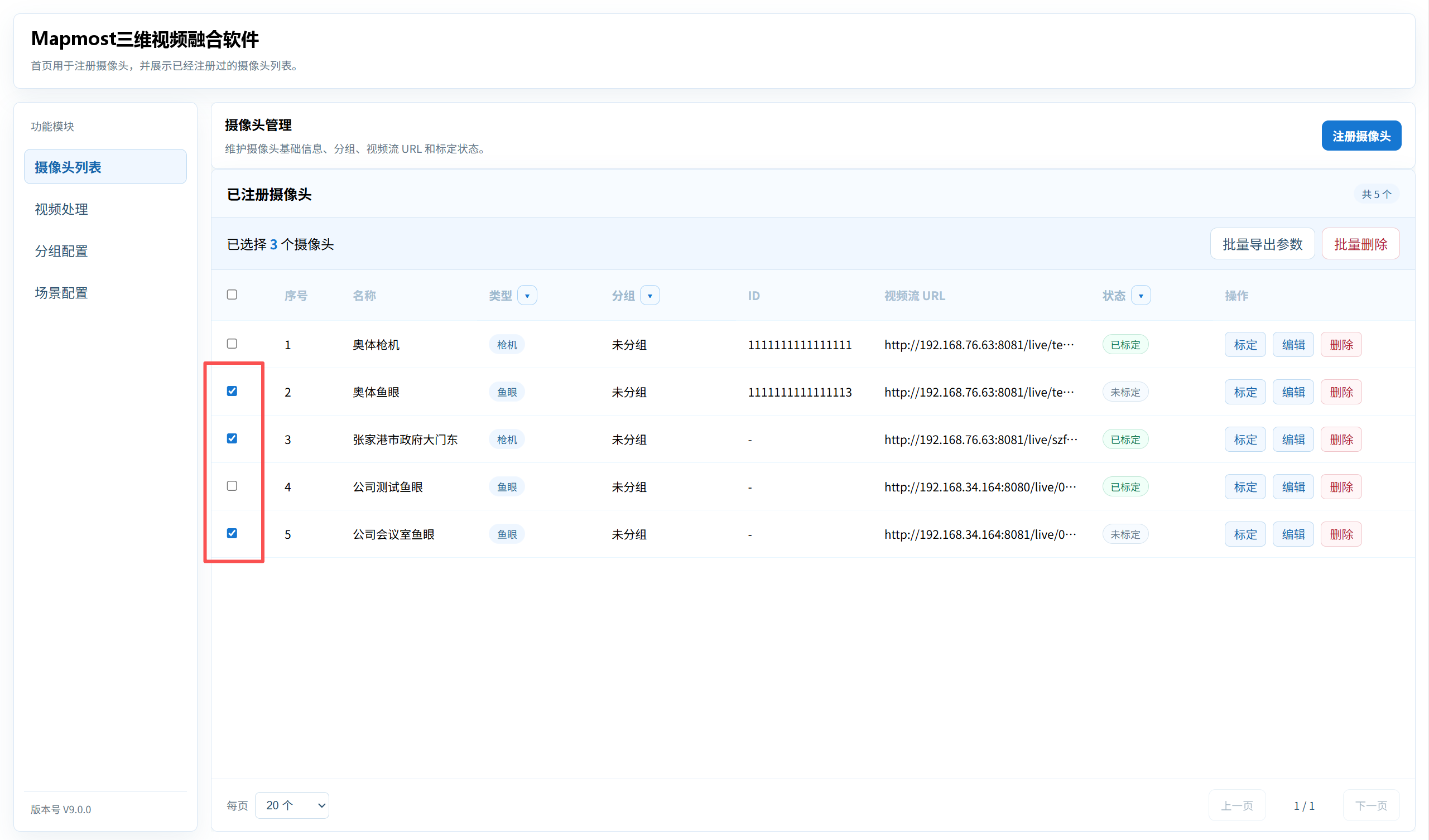
Click Camera List in the left menu to open the home page. The list displays camera name, type, group, camera ID, video-stream URL, status, and available actions.
- Use the header checkbox to select all cameras.
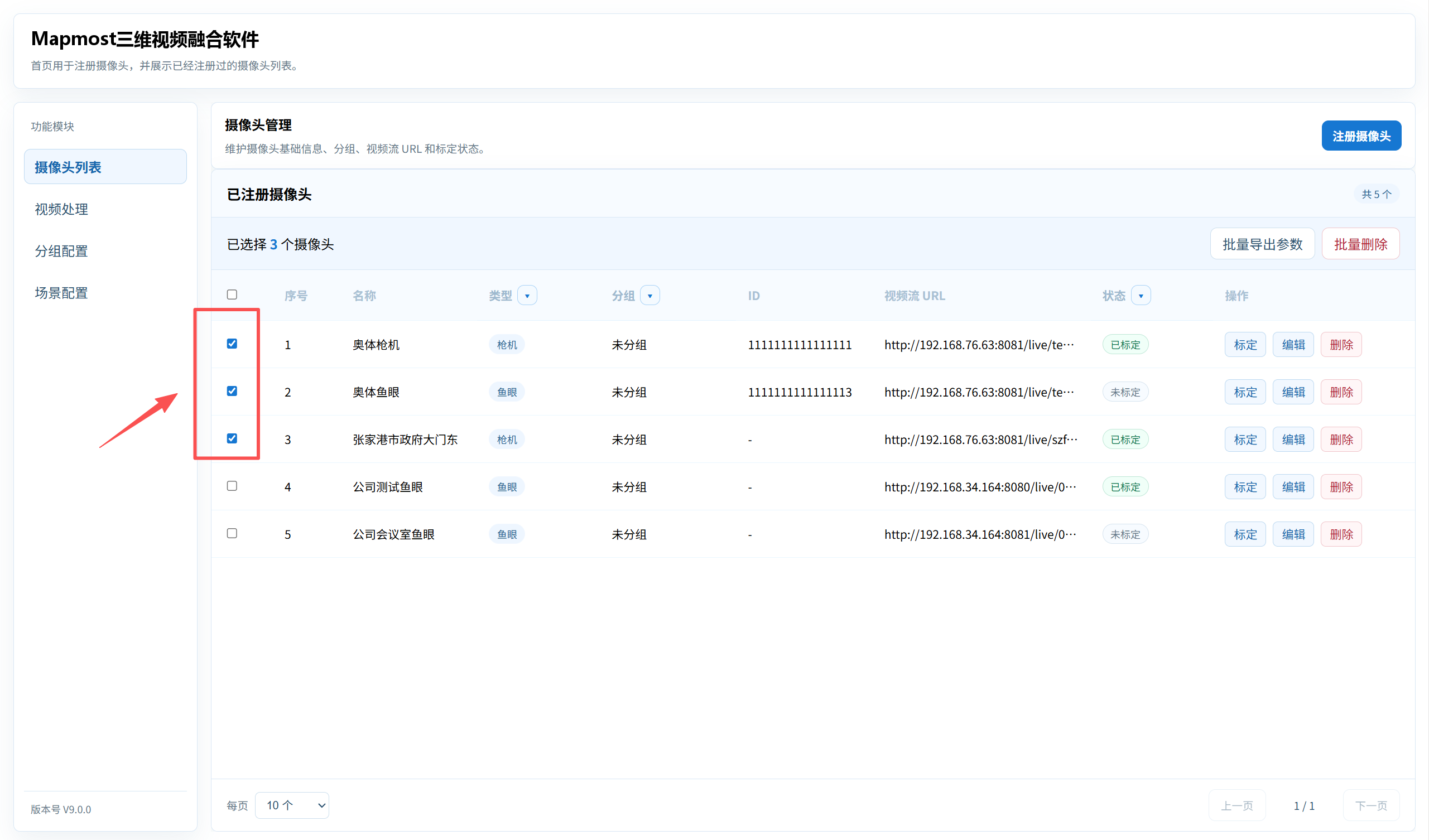
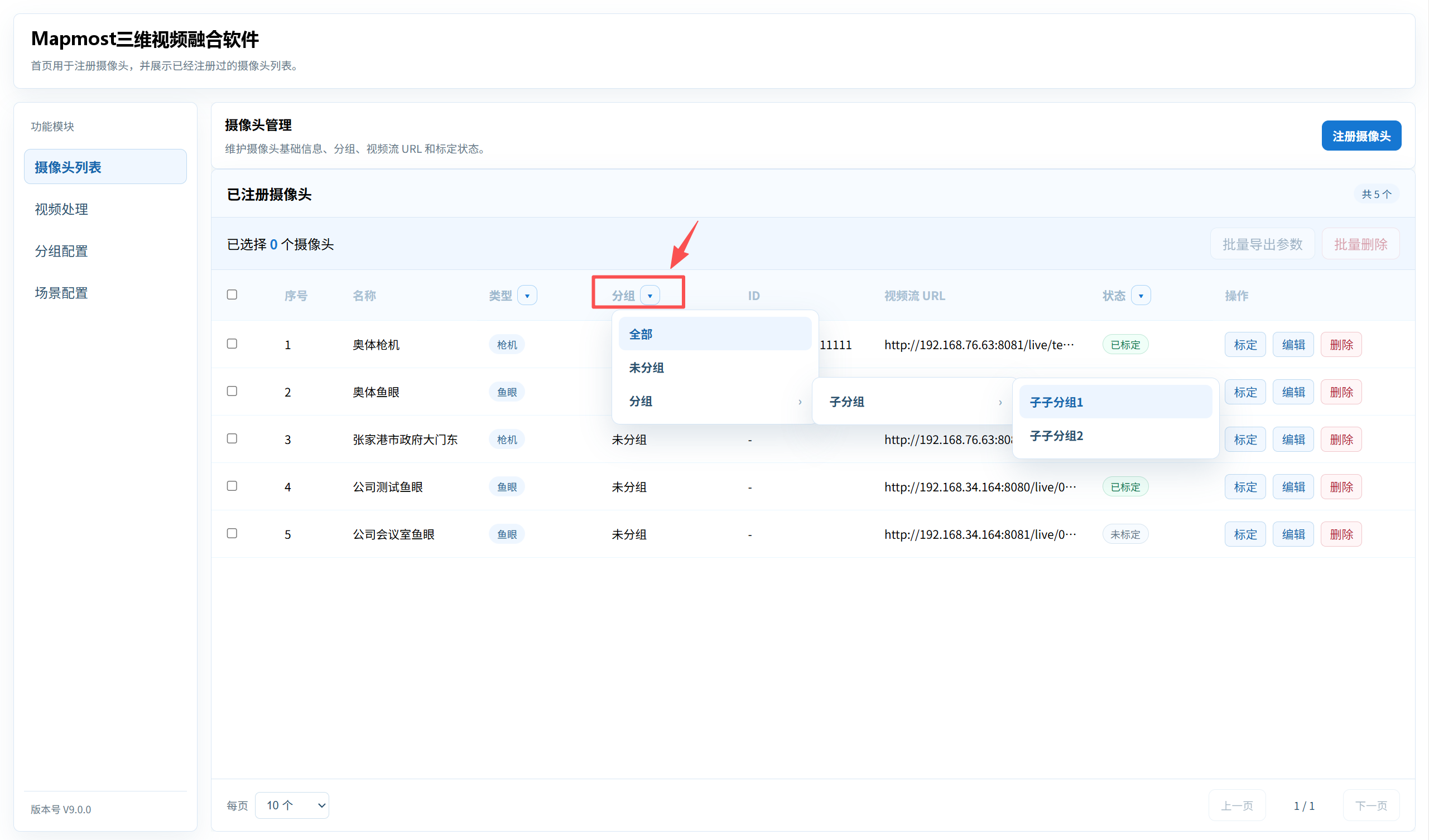
- Use the Group column drop-down list to filter cameras by All, Ungrouped, or a third-level group.
- Use the Status column drop-down list to filter cameras by All, Uncalibrated, or Calibrated.
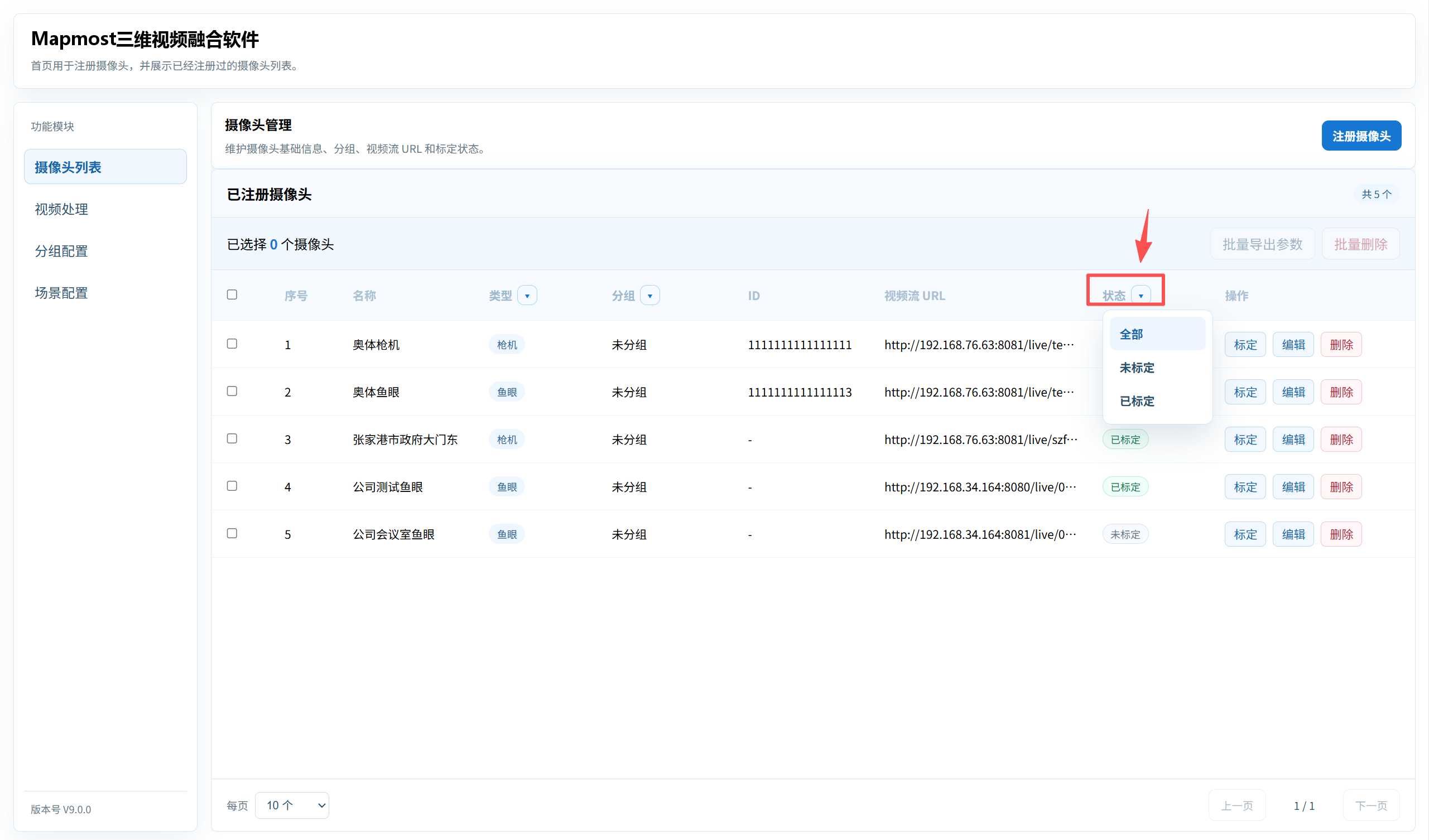
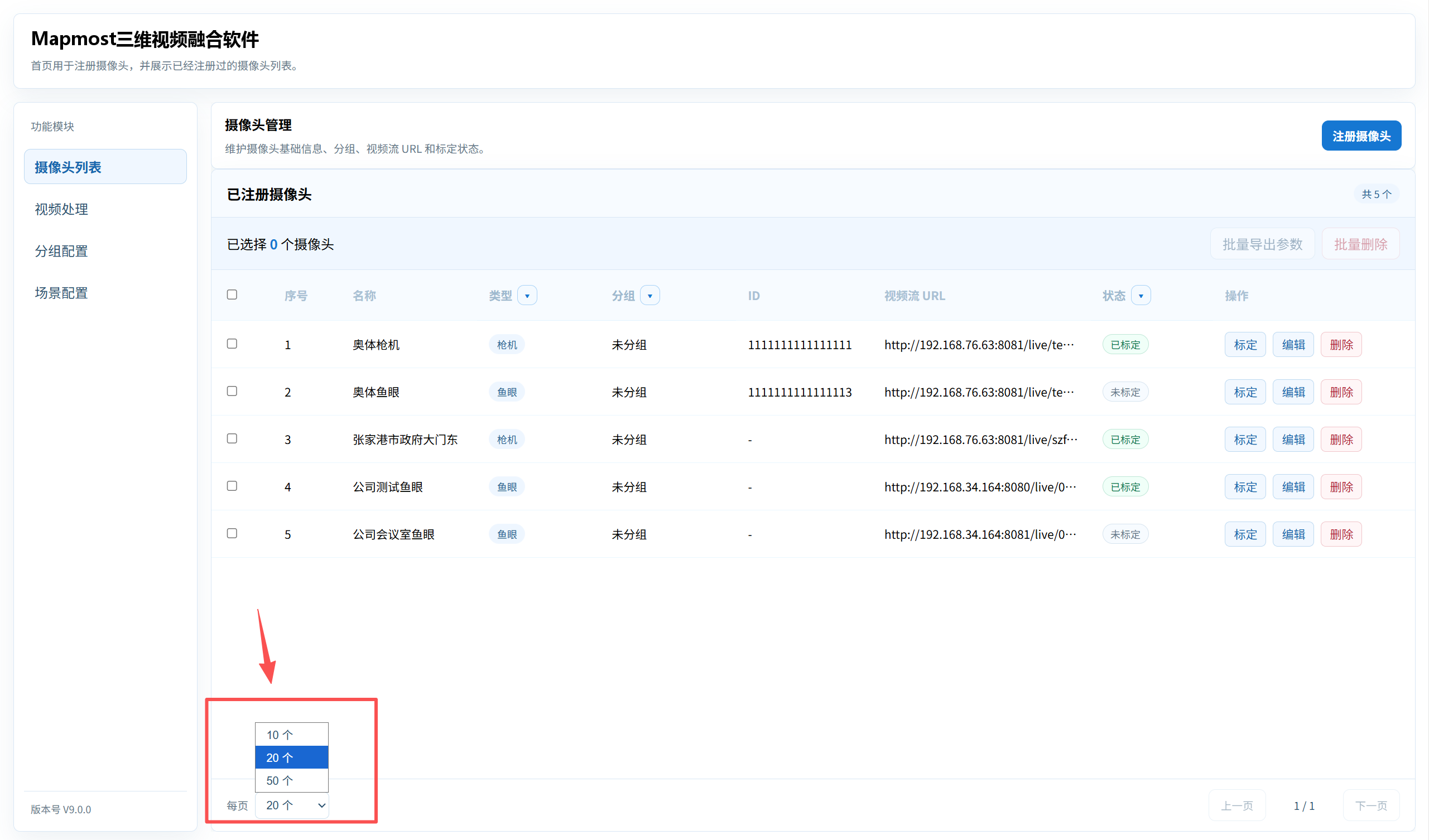
- Use the pagination control at the bottom to switch between 10, 20, and 50 items per page.
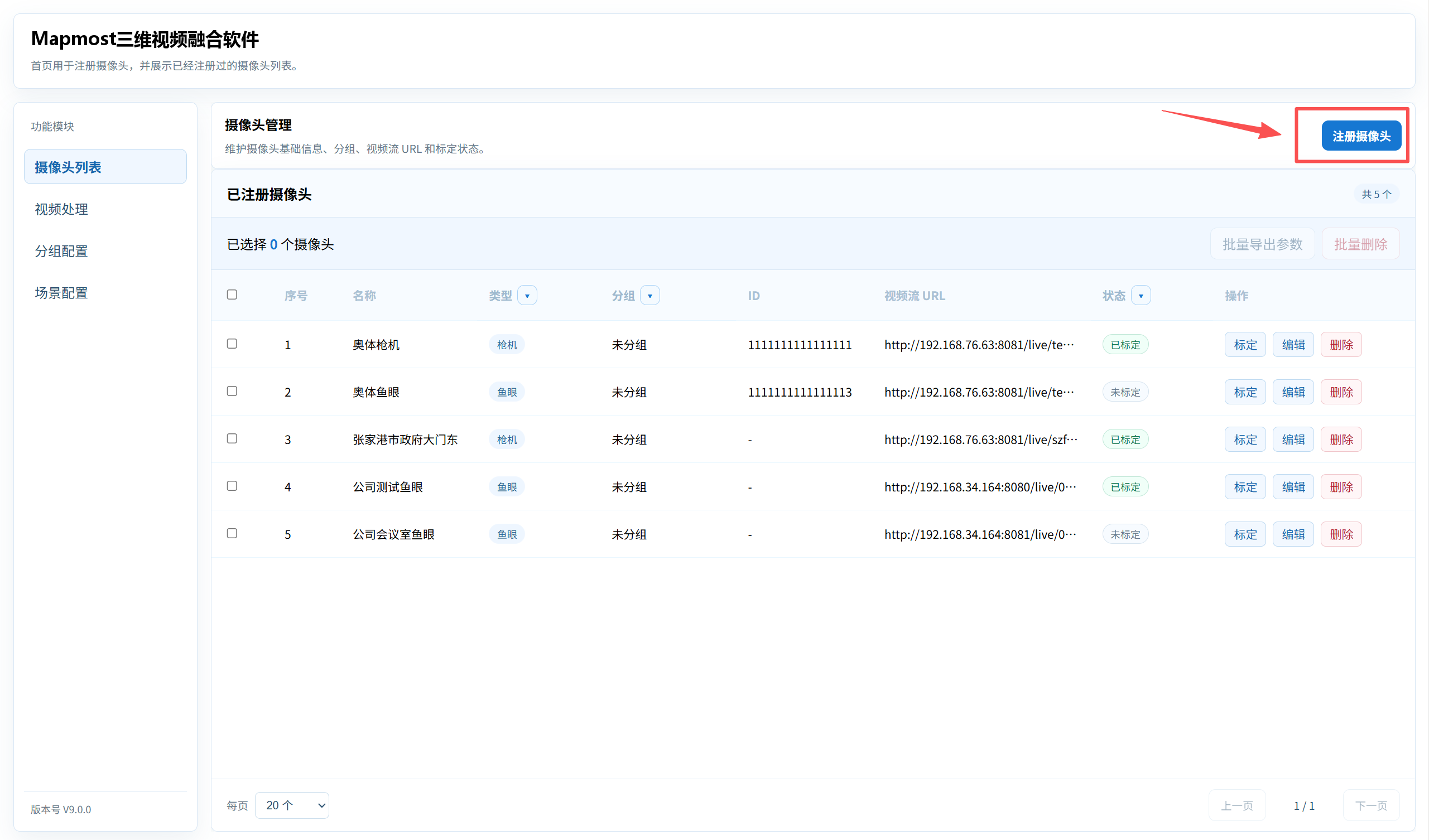
Register a Camera
- Click Register Camera above the camera list.
Select the camera type: Fixed Camera or Fisheye.
Enter the camera name, camera ID, and video-stream URL.
Select an existing group in the Camera Group section.
Verify the information and click Save.
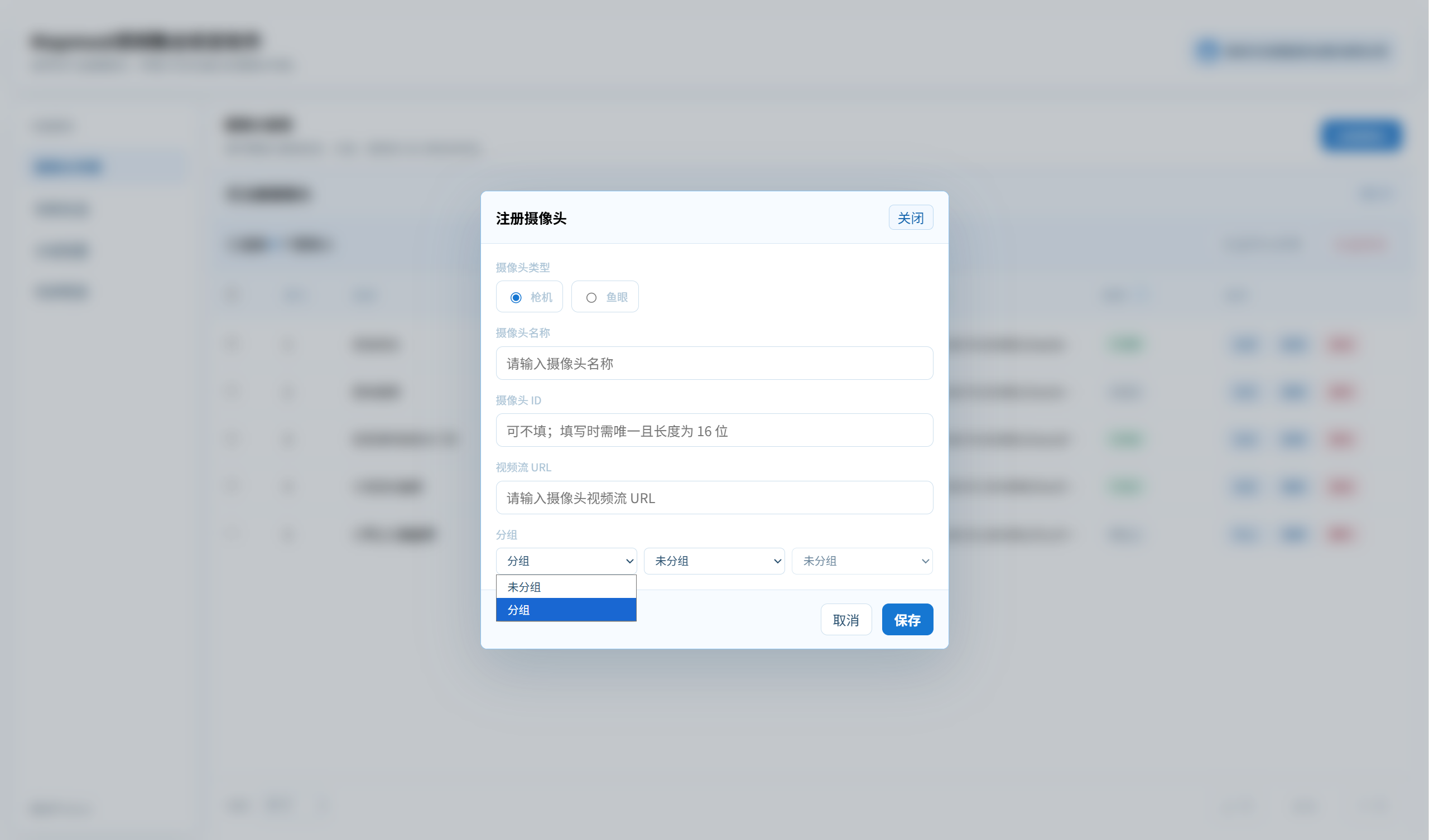
Keep camera IDs unique whenever possible.
Edit and Delete Cameras
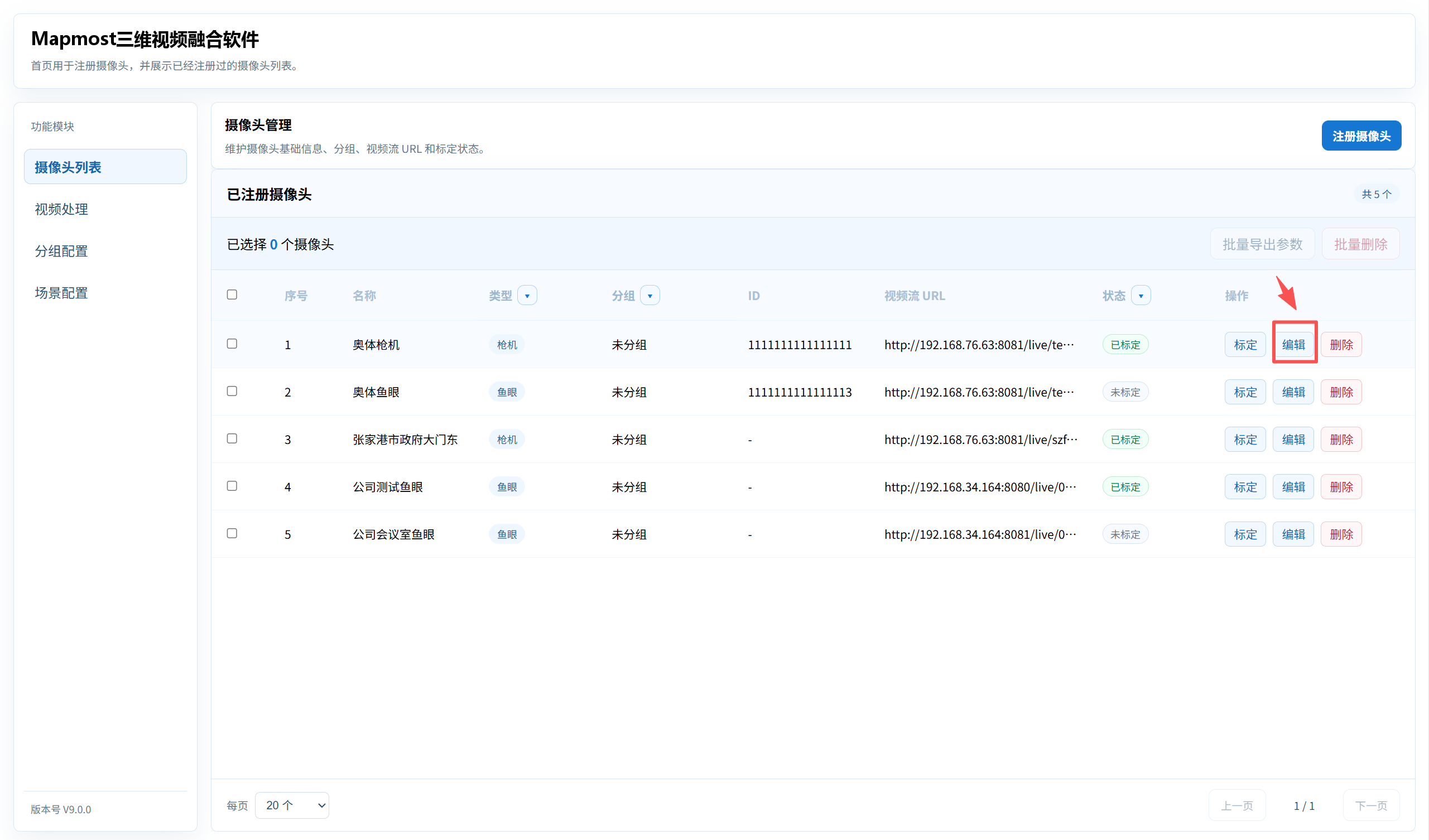
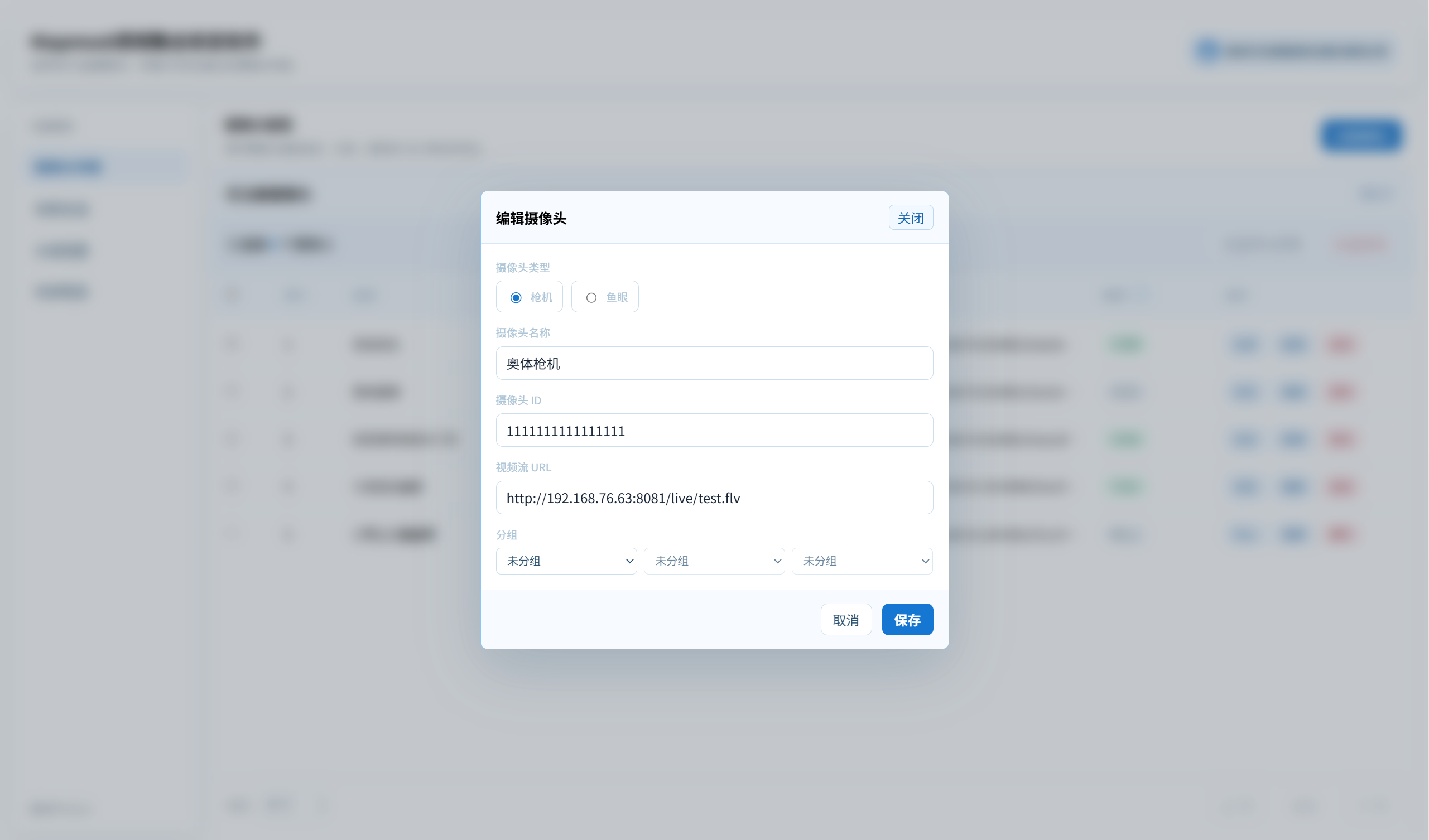
- Click a camera row's edit action to change its name, ID, video stream, or group.
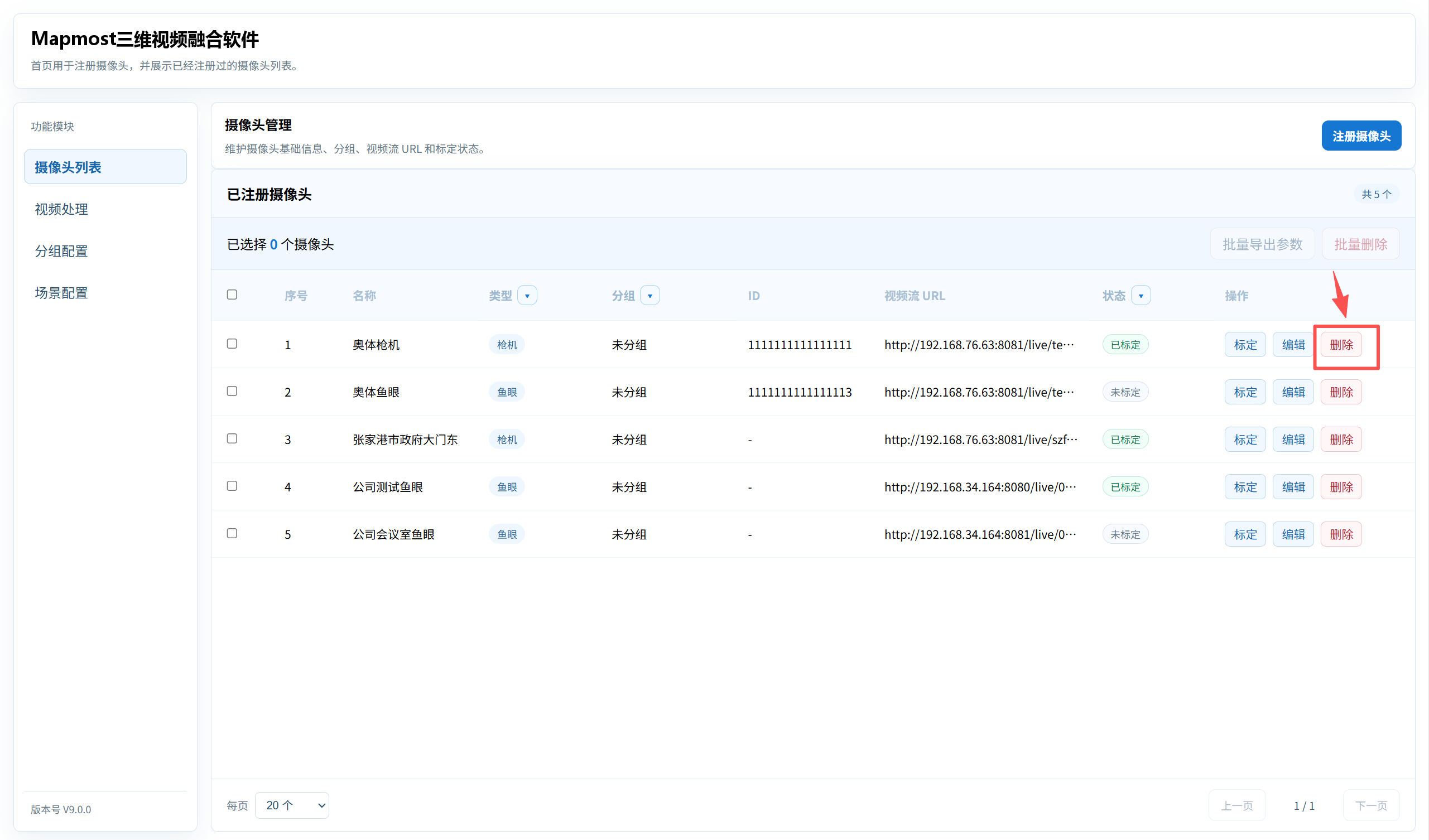
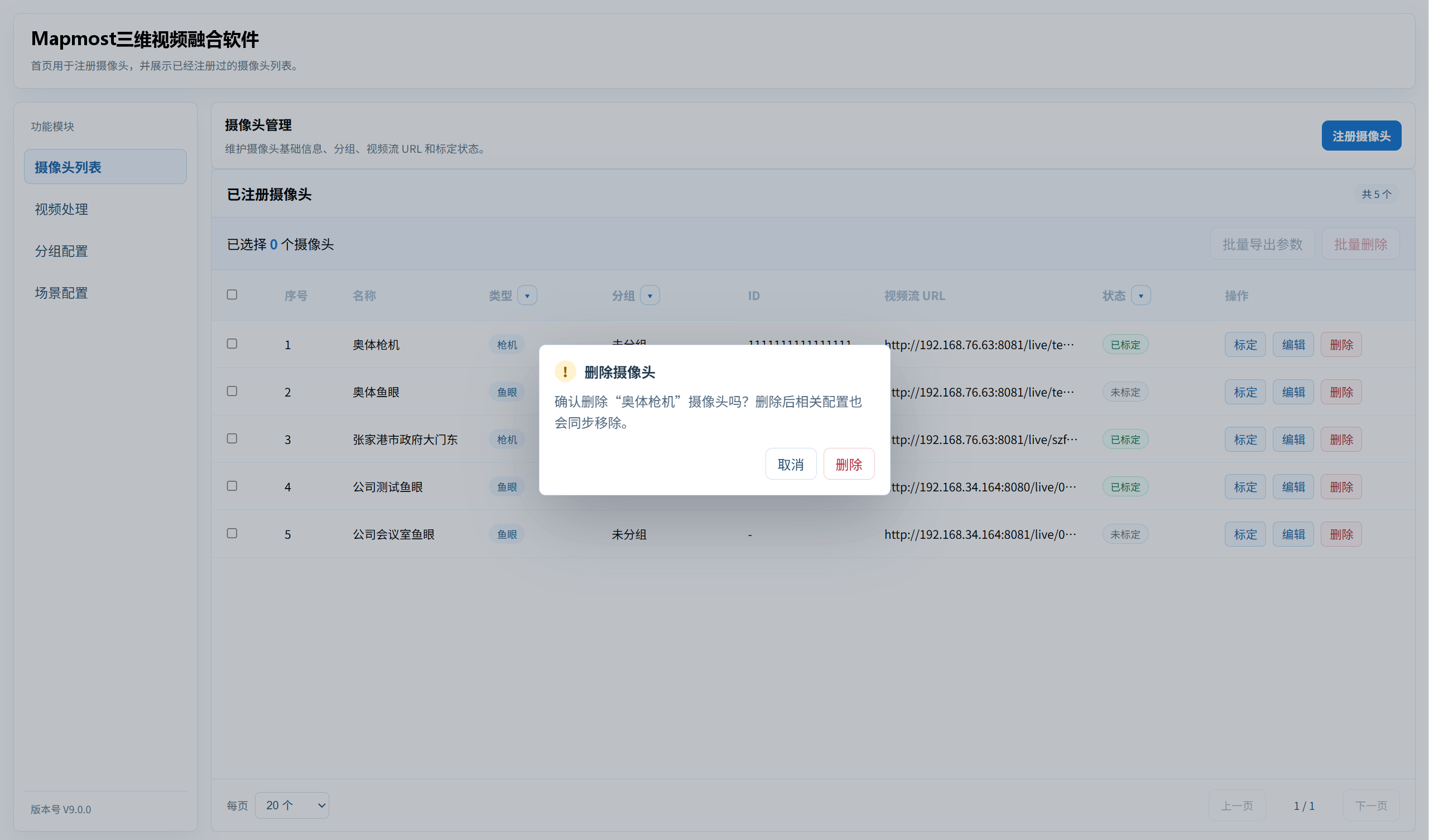
- Click the delete button to delete the camera.
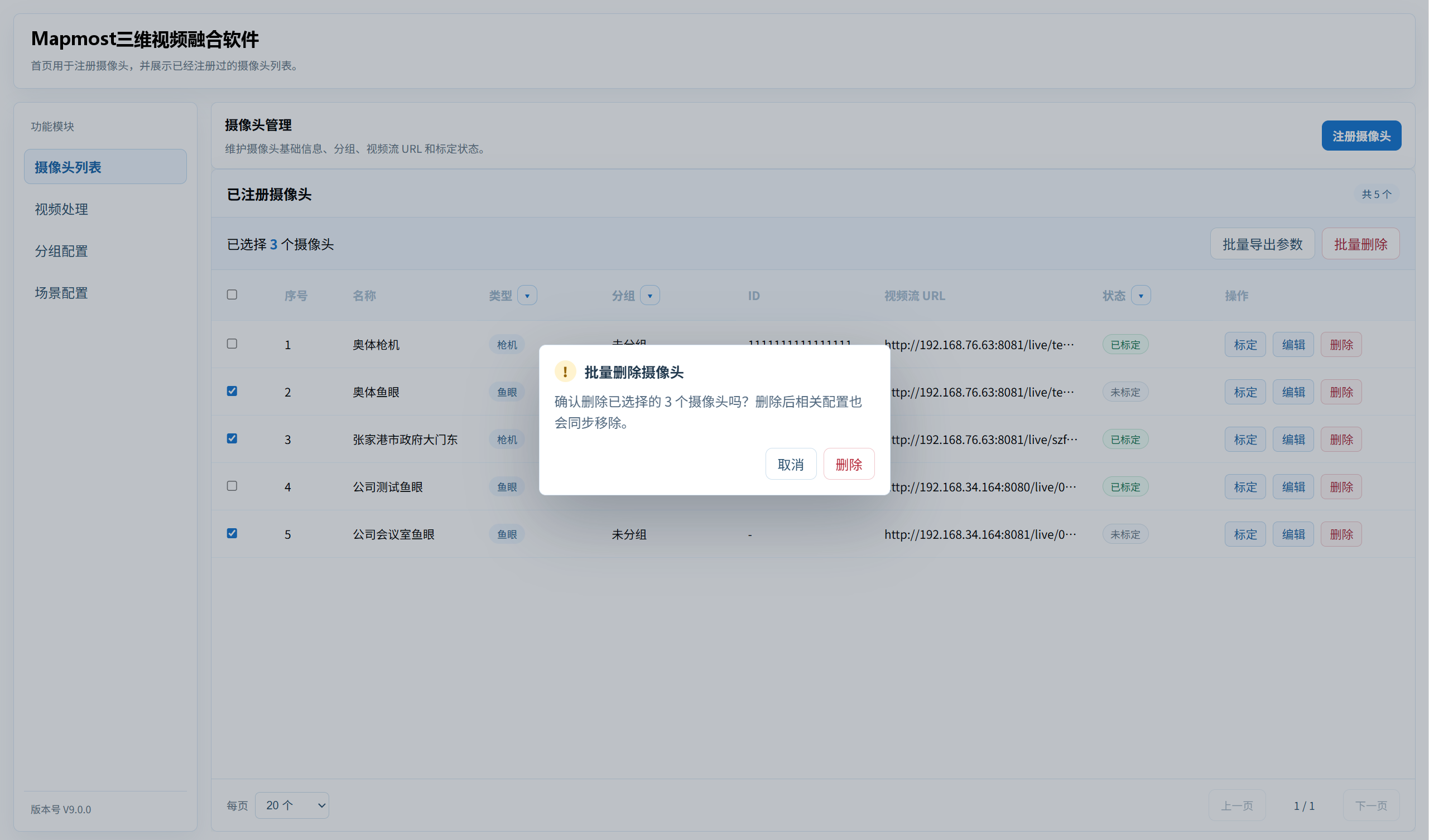
- Select multiple cameras to delete them in bulk.