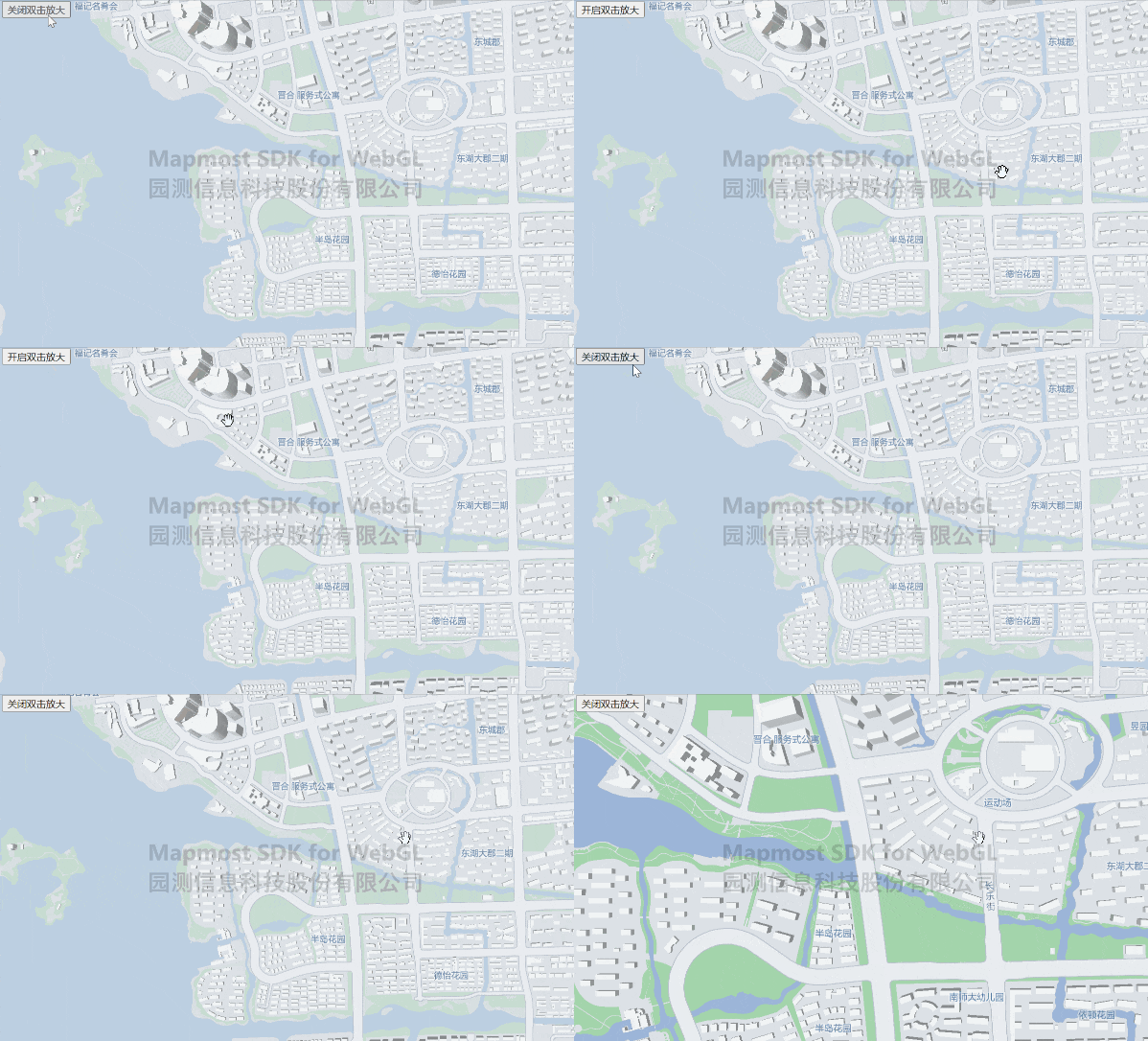
Turn off double-click to zoom in
Turn off the double-click zoom function on the map.
<!DOCTYPE html>
<html>
<head>
    <meta charset="utf-8"/>
    <title>Close double-click to enlarge</title>
    <meta name="viewport" content="initial-scale=1,maximum-scale=1,user-scalable=no"/>
    <style>
        body {
            margin: 0;
            padding: 0;
        }

        #map {
            position: absolute;
            top: 0;
            bottom: 0;
            width: 100%;
        }

        .btn-group {
            position: absolute;
            top: 20px;
            left: 20px;
        }
    </style>
    <script src="https://delivery.mapmost.com/cdn/sdk/webgl/v9.16.0/mapmost-webgl-min.js"></script>
</head>
<body>
<div id="map"></div>
<script>
    let map = new mapmost.Map({
        container: 'map',
        style: "<your style url>",
        center: [120.72541613154851, 31.31171803927643],
        zoom: 14,
        doubleClickZoom: true,
        userId: '***', // Authorization code
    });

    function closeDoubleClickZoom(e) {
        if (e.innerHTML === 'Turn off double-click to enlarge') {
            map.doubleClickZoom.disable();
            e.innerHTML = 'Enable double-click to enlarge'
        } else {
            map.doubleClickZoom.enable();
            e.innerHTML = 'Turn off double-click to enlarge'
        }
    }
</script>
</body>
</html>