Settings
The settings module provides Domain/IP Configuration, Port Configuration, and related options.
1. Domain/IP Configuration
The application provides multiple IP options. localhost and 127.0.0.1 are always available, and the local IPv4 address is obtained dynamically. Select an IP address and click Apply for the change to take effect.
Note: If the IP address is localhost or 127.0.0.1, published services can only be accessed on the local machine and cannot be accessed from other devices. To access services from other devices, change the IP address to the computer's IPv4 address, such as 192.168.1.100.
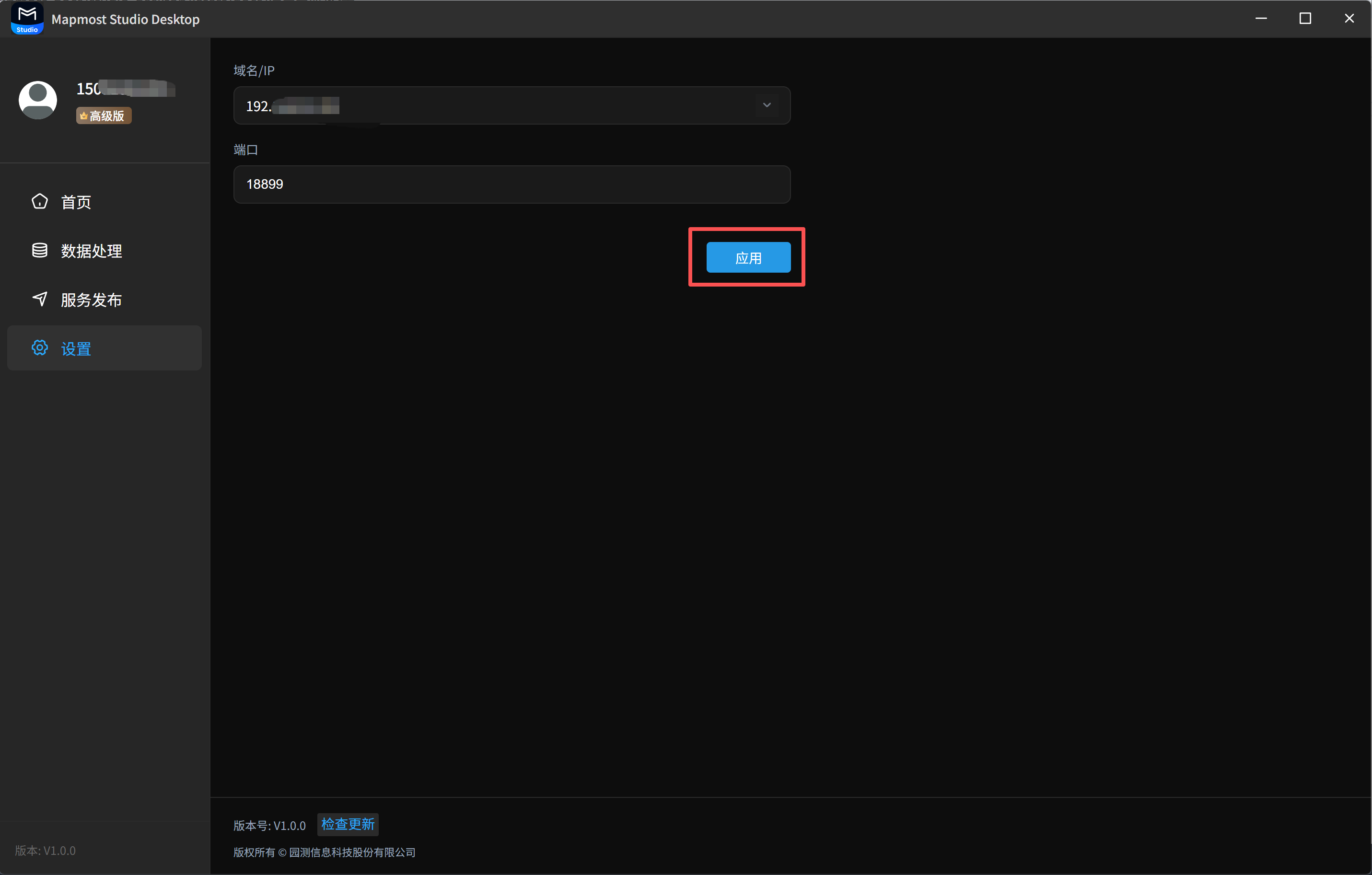
2. Port Configuration
The default port is 18899. You can change it according to your needs.