Line layer Line configuration
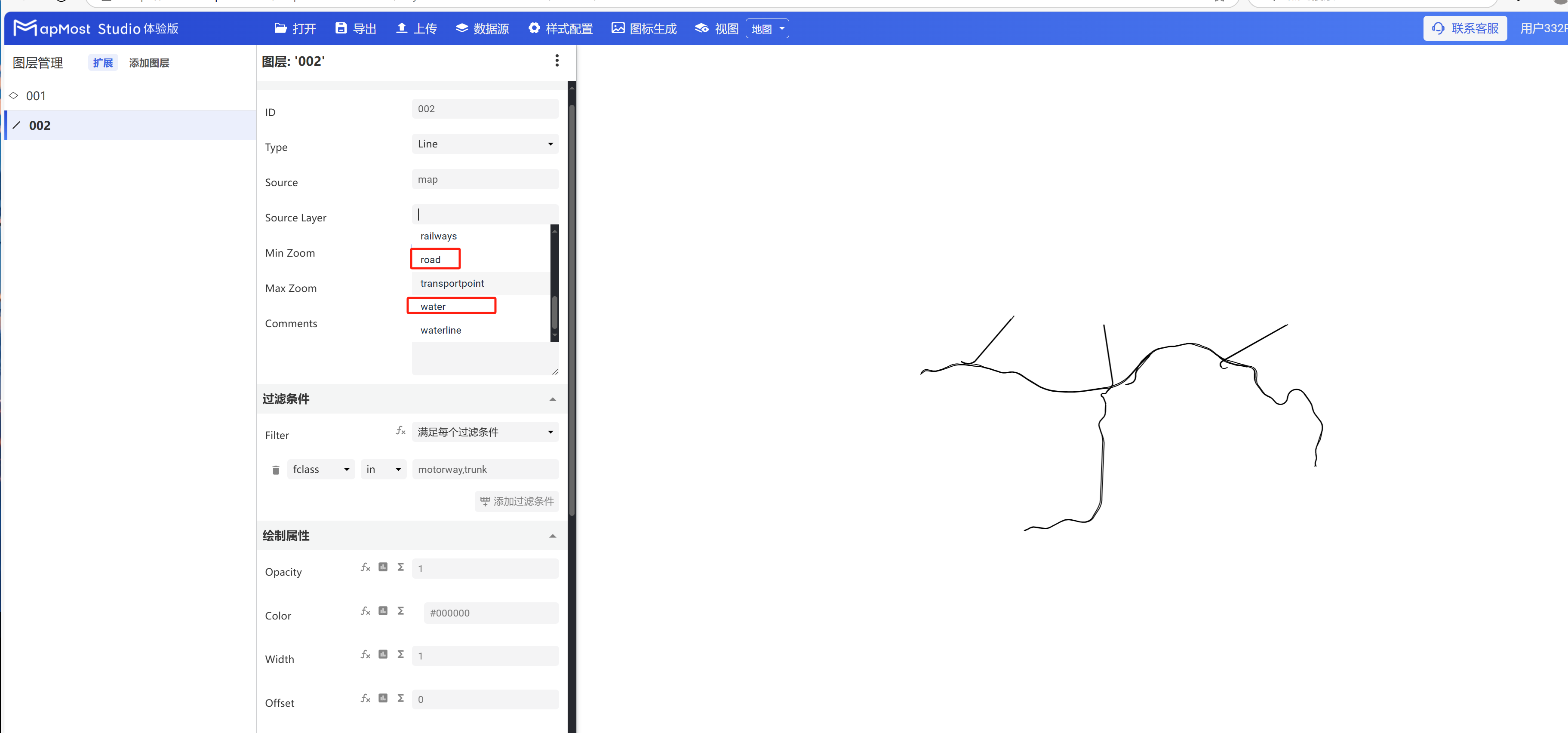
- Line layer is used to display line data. "Source Layer" can choose surface type data or line type data. For details, please refer to "Background layer Background:1.2";
- Add the data source. If the data source already exists, ignore this step. For details, refer to "Cartography Prerequisite: 2";
- The "∑" button behind the parameter value can realize numerical changes at different levels. For details, please refer to "Icon Point Layer Symbol: 3.3.2";
- The "fx" button behind the parameter value can convert the parameter information into an expression. For details, refer to "Icon Point Layer Symbol: 3.3.3".
1. Layer Properties module
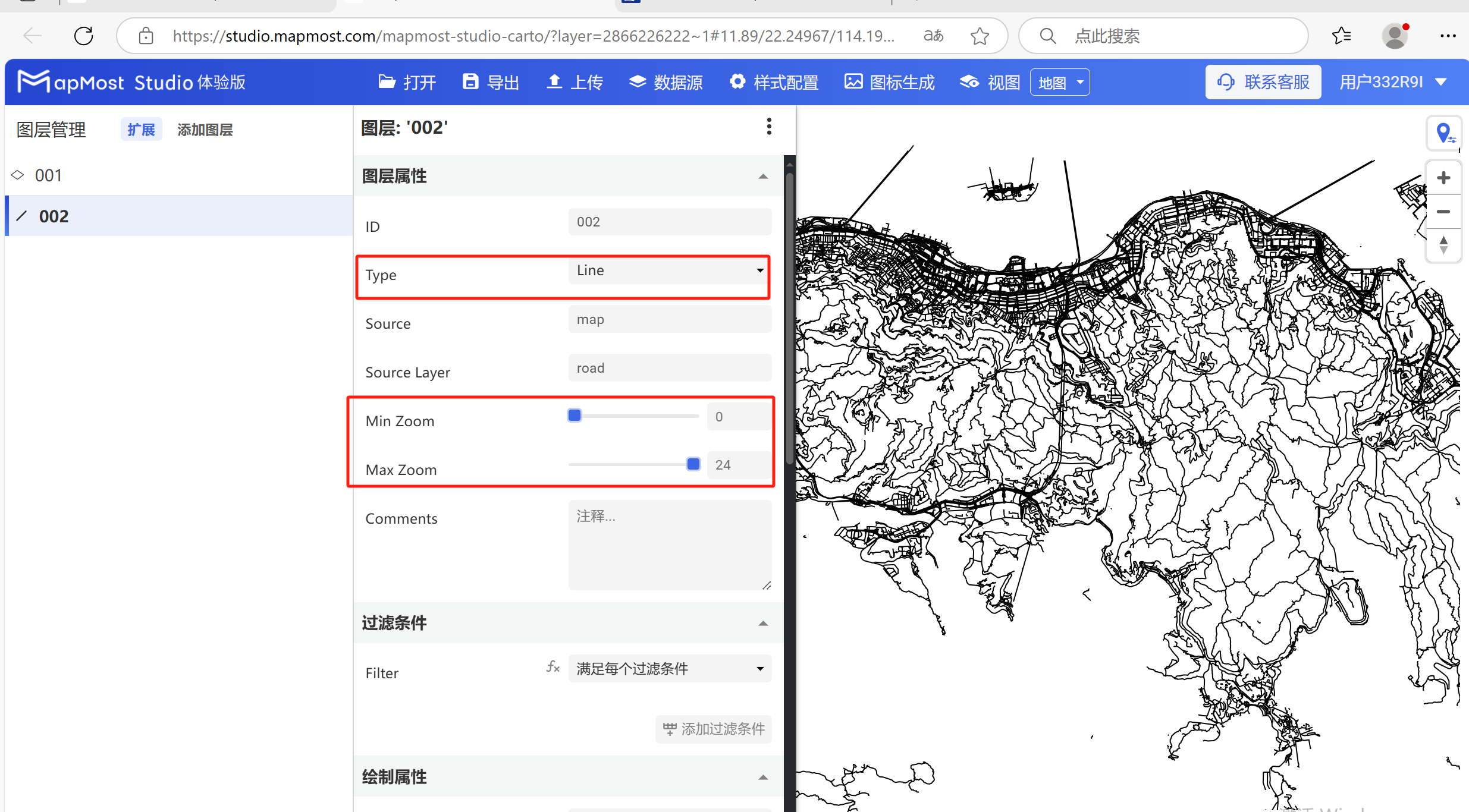
The "Layer Properties" module is used to adjust the layer data source, data type, display level, etc. For details, please refer to "Background layer Background: 1";
1.1. Set layer property parameters
- Change "Type" to "Line", change "Source Layer", set "Min Zoom", set "Max Zoom";
2. "Filter" module
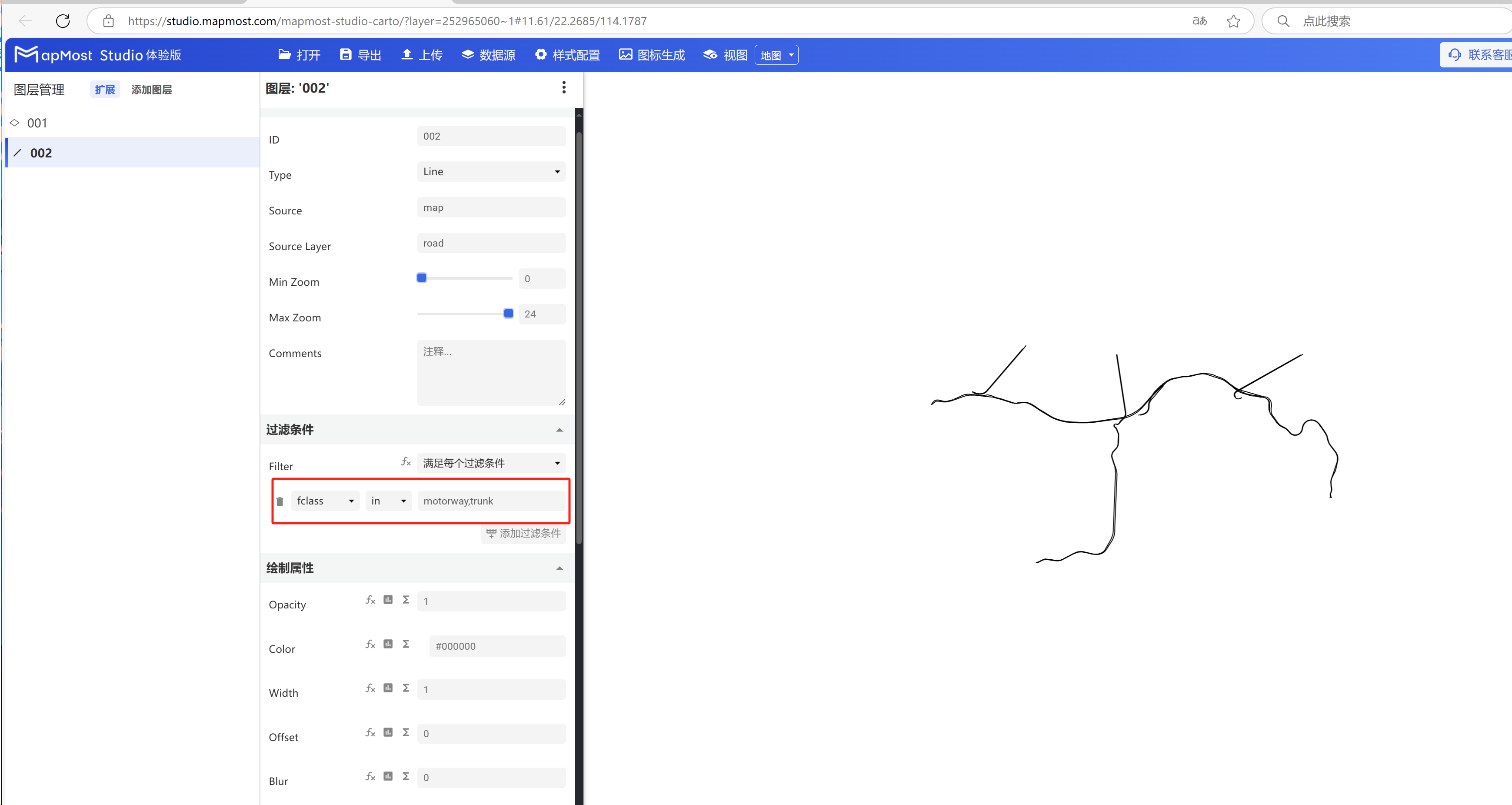
The "Filter Conditions" module supports filter condition selection and expression writing. For details, please refer to "Icon Point Layer Symbol: 2";
2.1. Set filter conditions
- Set filter conditions to filter out "motorway, trunk" data. For data field search methods, refer to "Icon Point Layer Symbol: 2.5". For solutions to data not being displayed, refer to "Icon Point Layer Symbol: 2.6";
3. "Drawing Properties" module
"Drawing Properties" module, set data color, transparency, line width, offset, blur, solid line, dotted line and other parameters;
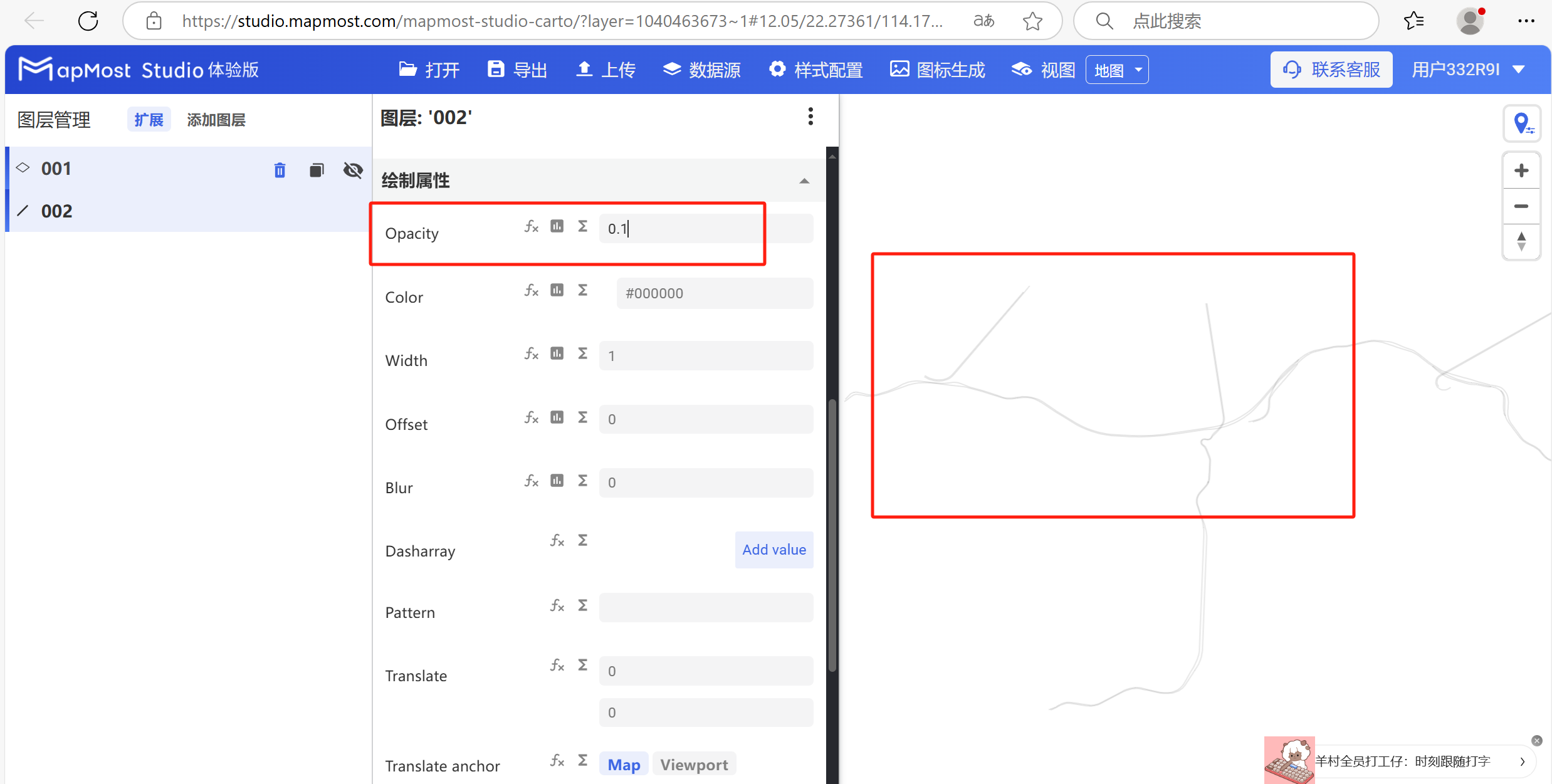
3.1. "Opacity" parameter setting
- "Opacity" parameter controls the transparency of line data display;
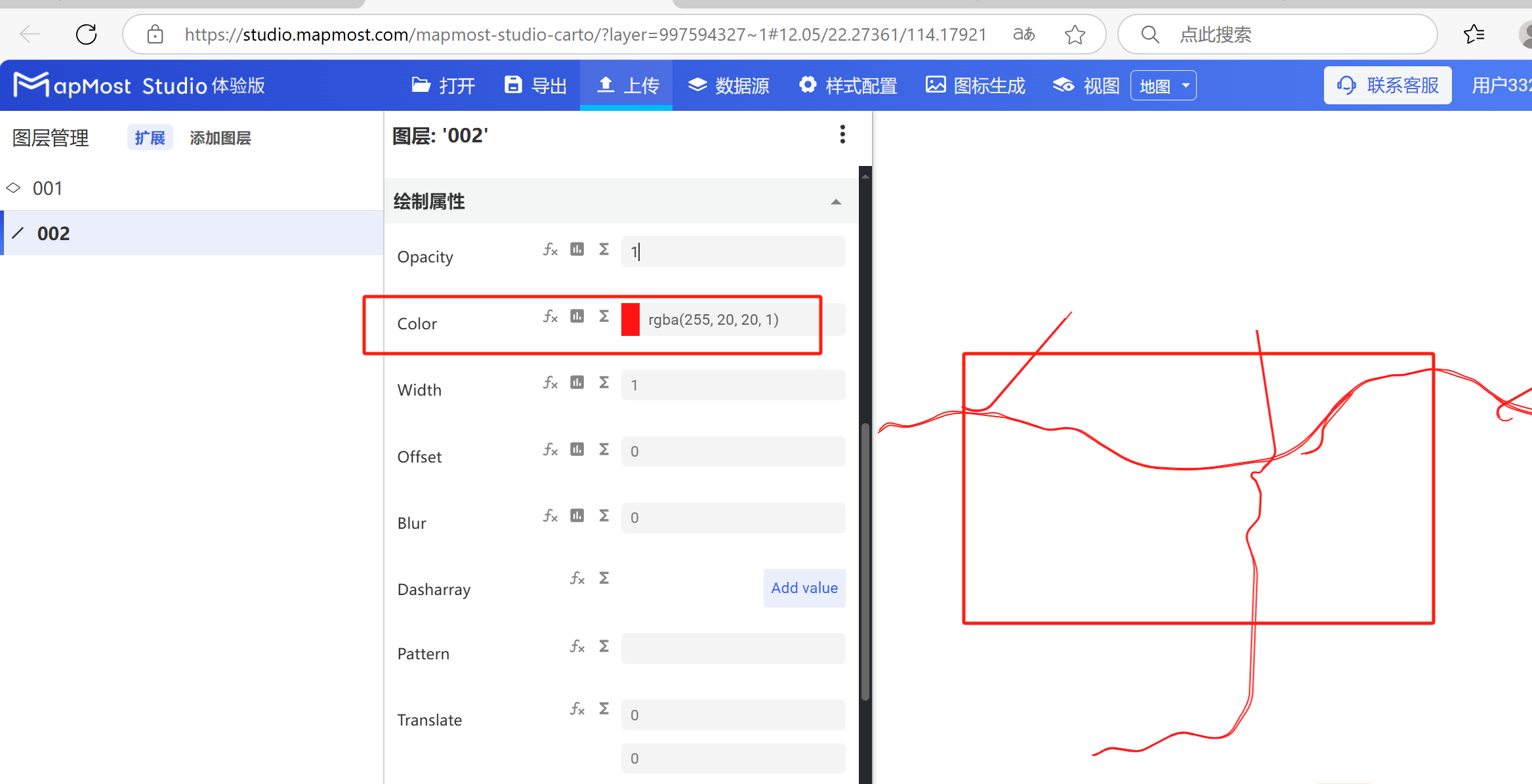
3.2. "Color" parameter setting
- "Color" parameter, controls the display color of line data;
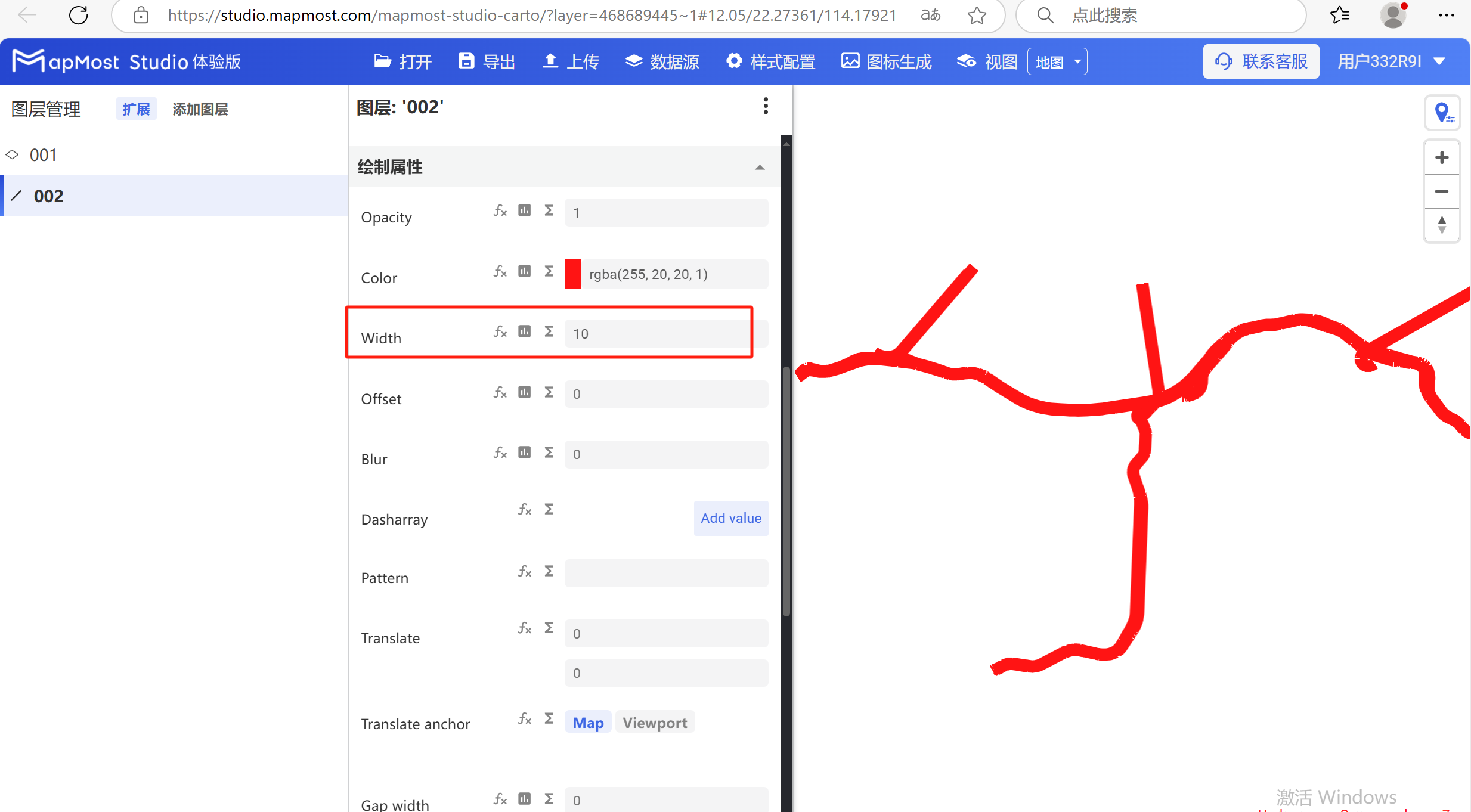
3.3. "Width" parameter setting
- "Width" parameter, sets the stroke thickness of line data;
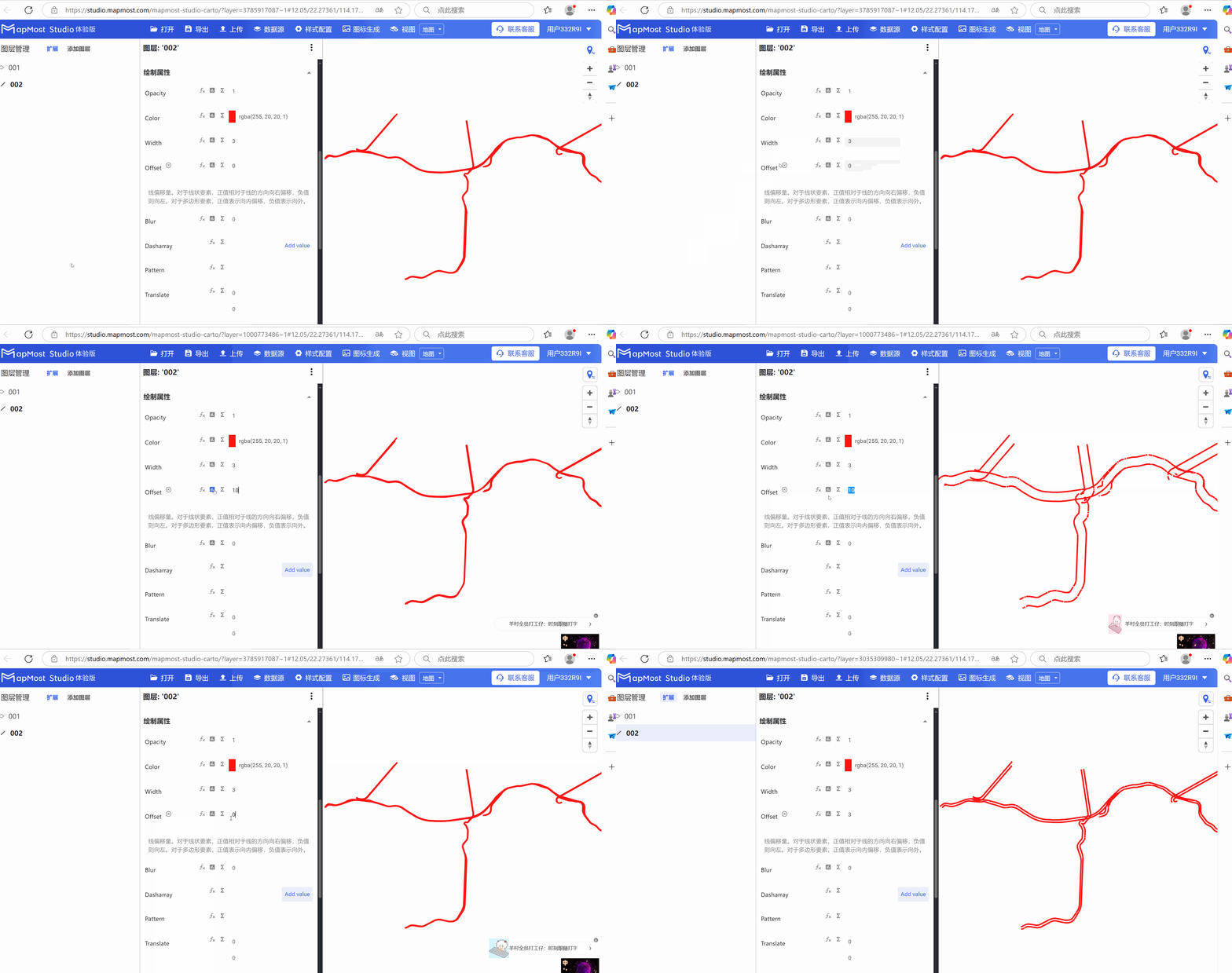
3.4. "Offset" parameter setting
- "Offset" parameter, sets the offset of line data";
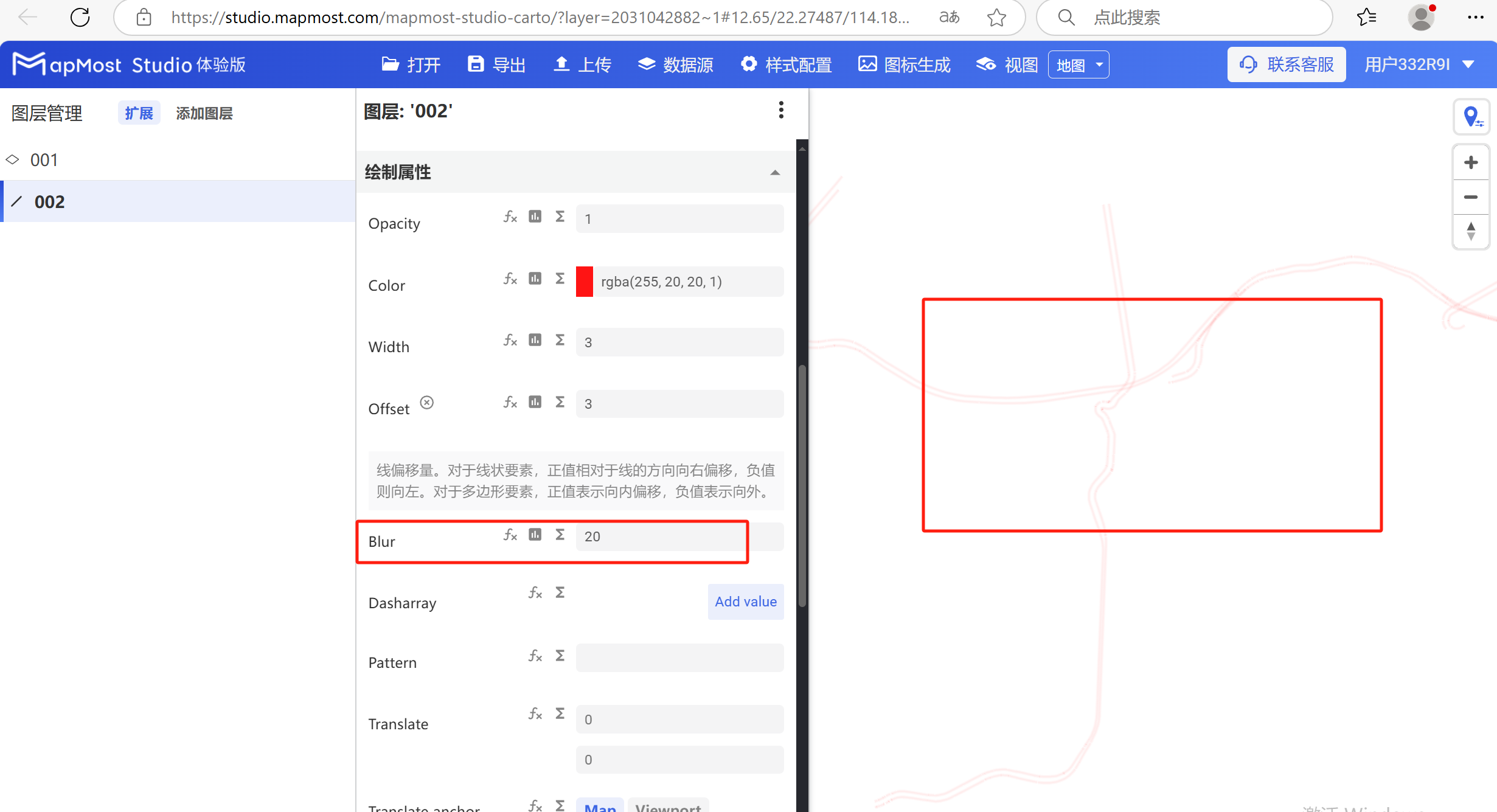
3.5. "Blur" parameter setting
- "Blur" parameter, blurry display line data, in pixels;
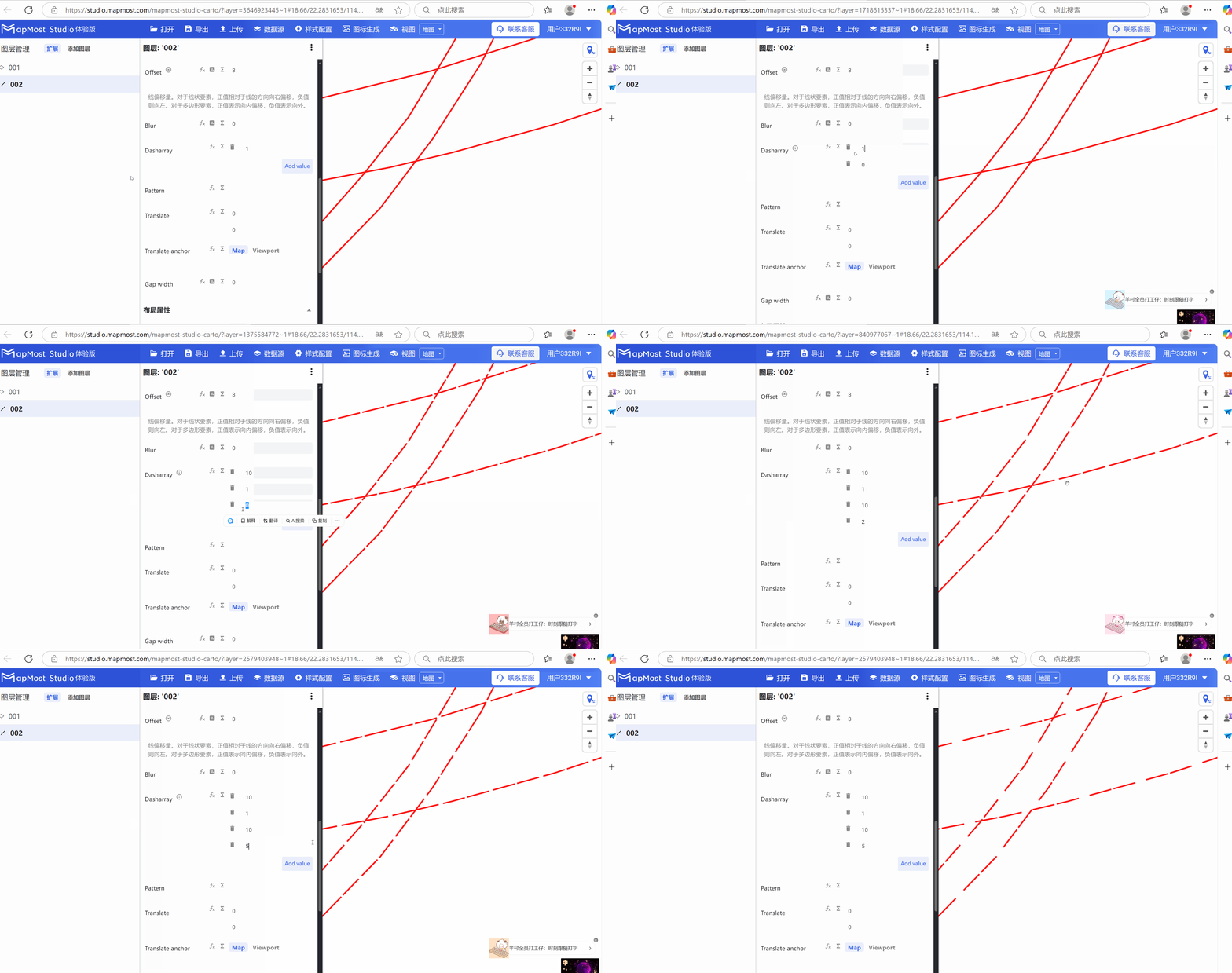
3.6. "Dasharray" parameter settings
- "Dasharray" parameter, set the dashed line display;
3.7. "Pattern" parameter setting
- "Pattern" parameter, keep the default;
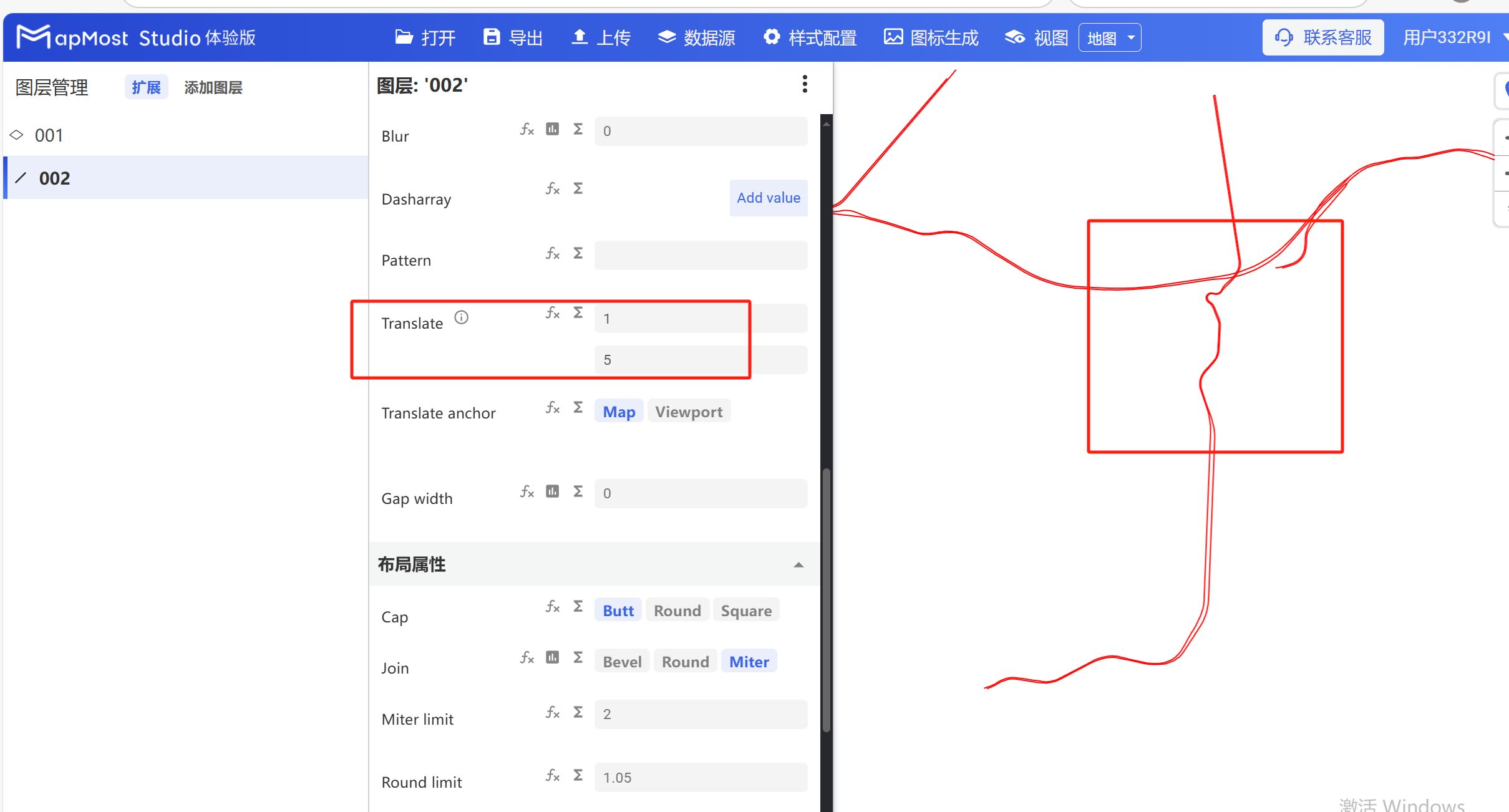
3.8. "Translate" parameter setting
- "Translate" parameter, sets the offset of line data in the X\Y axis;
3.9. "Translate anchor" parameter setting
- "Translate anchor" parameter, keep the default;
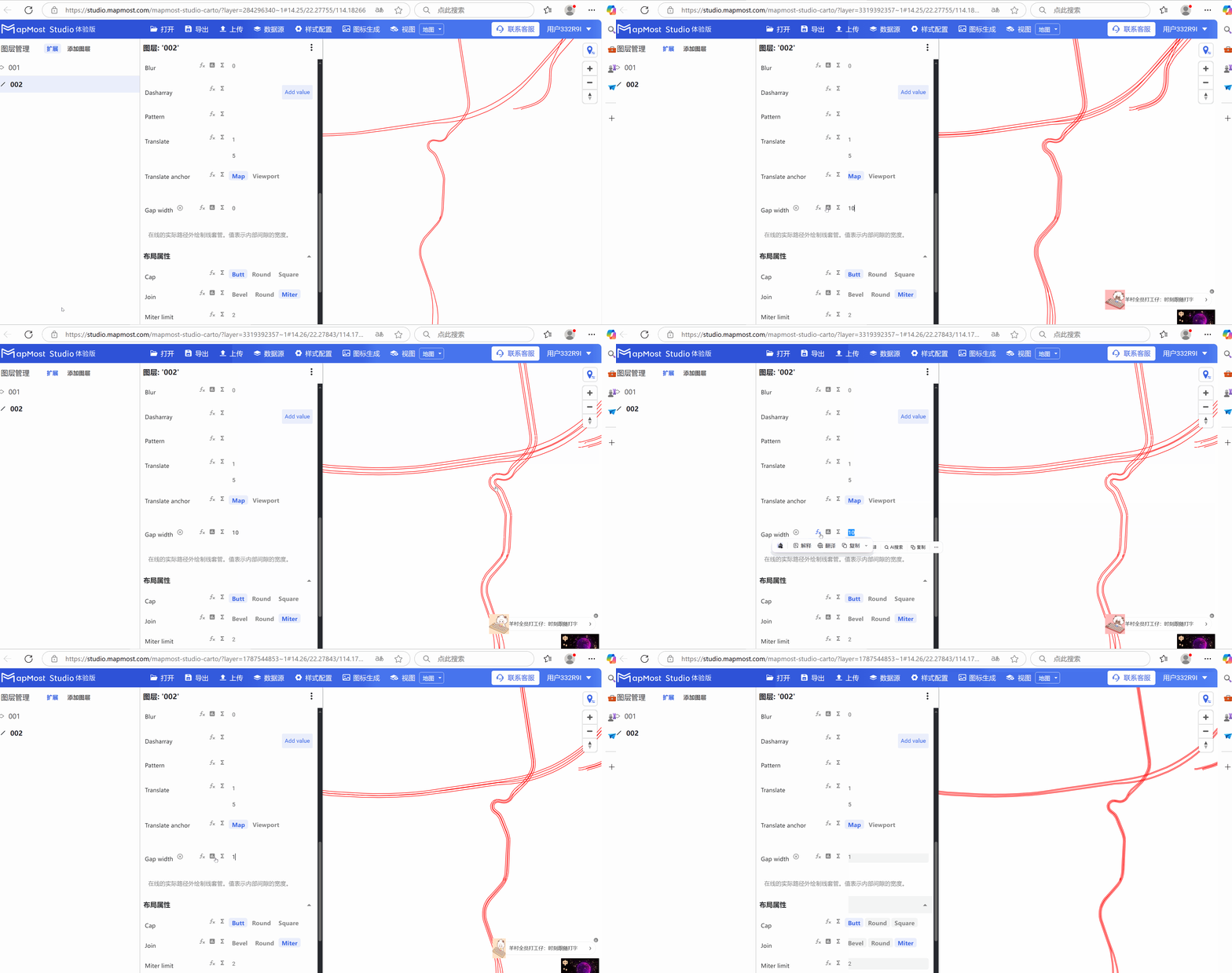
3.10. "Gap width" parameter setting
- The "Gap width" parameter is used to set the gap width of lines to achieve the effect of drawing casing for lines;
4. "Layout Properties" module
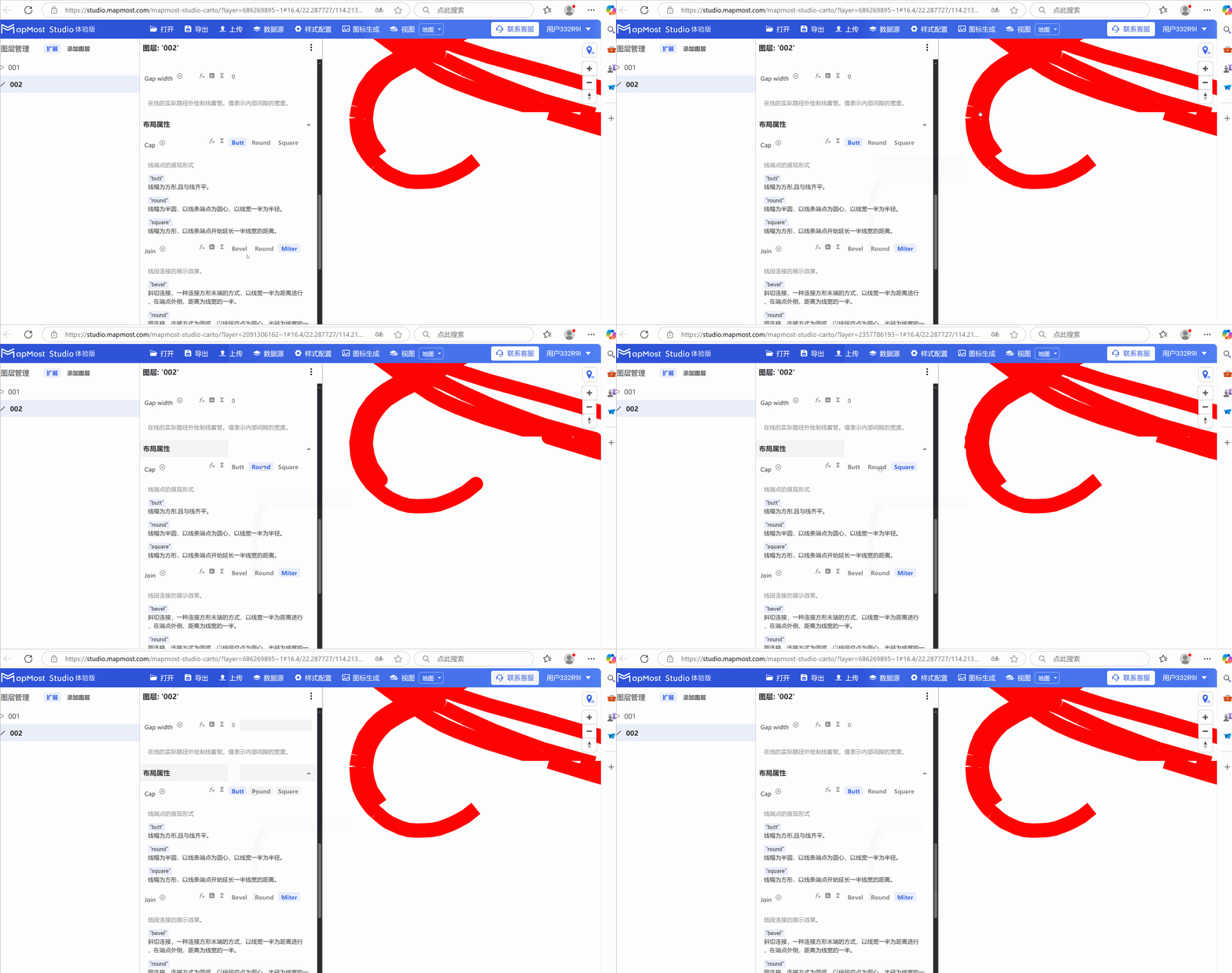
"Layout Properties" module, set the connection method of lines;
4.1. "Cap" parameter setting
- "Cap" parameter, sets the display method of line endpoints;
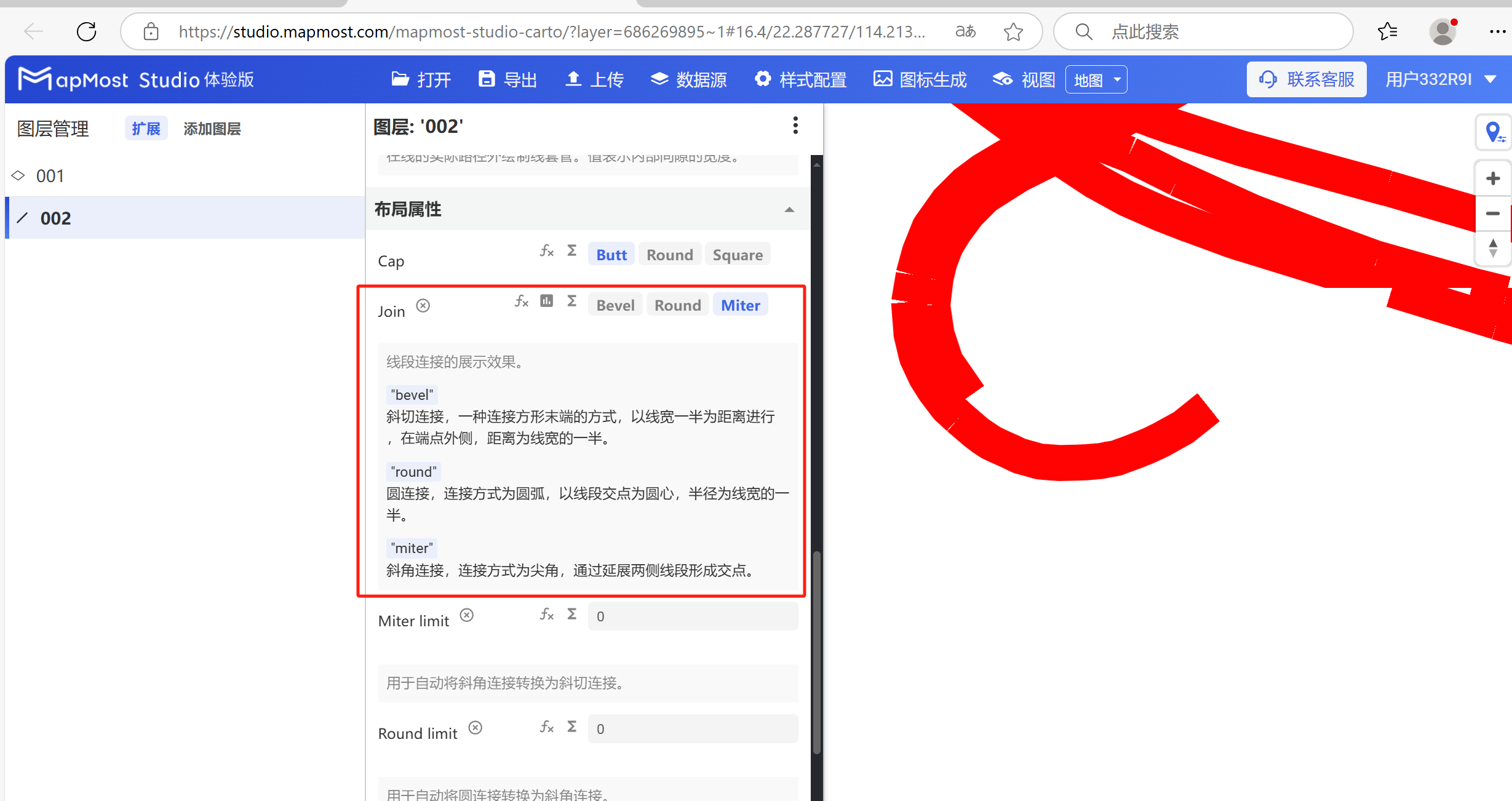
4.2. "Join" parameter setting
- "Join" parameter, sets the line segment connection method;