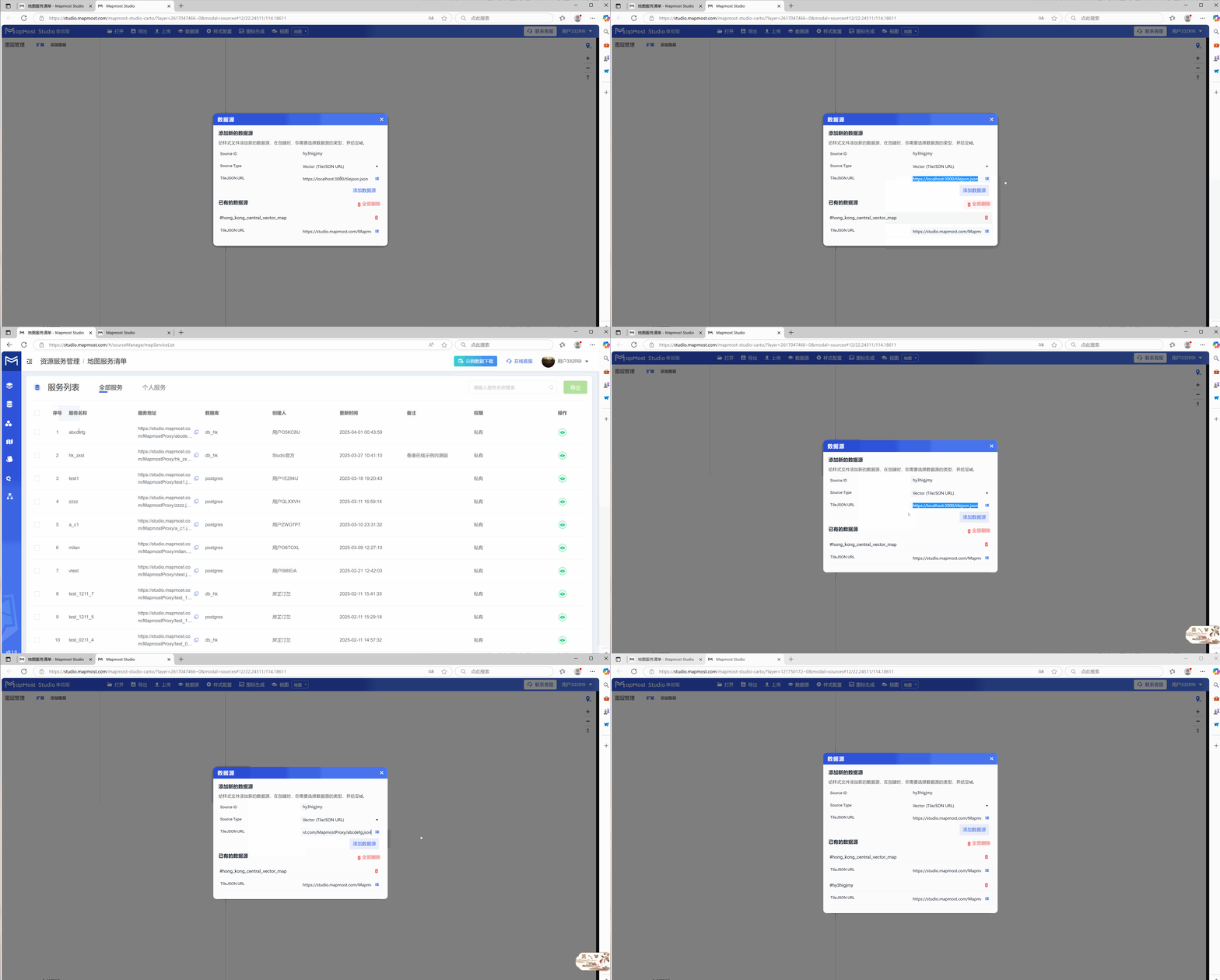
Cartography prerequisites
- A data service is required and the data service can be accessed normally;
- The corresponding data source needs to be added in the "Data Source" module of the "Mapping Platform";
1. Data service inspection and access
Click "Map Service List" in the "Resource Service Management" menu on the homepage to check whether the service is available;
2. Detailed explanation of "data source" module
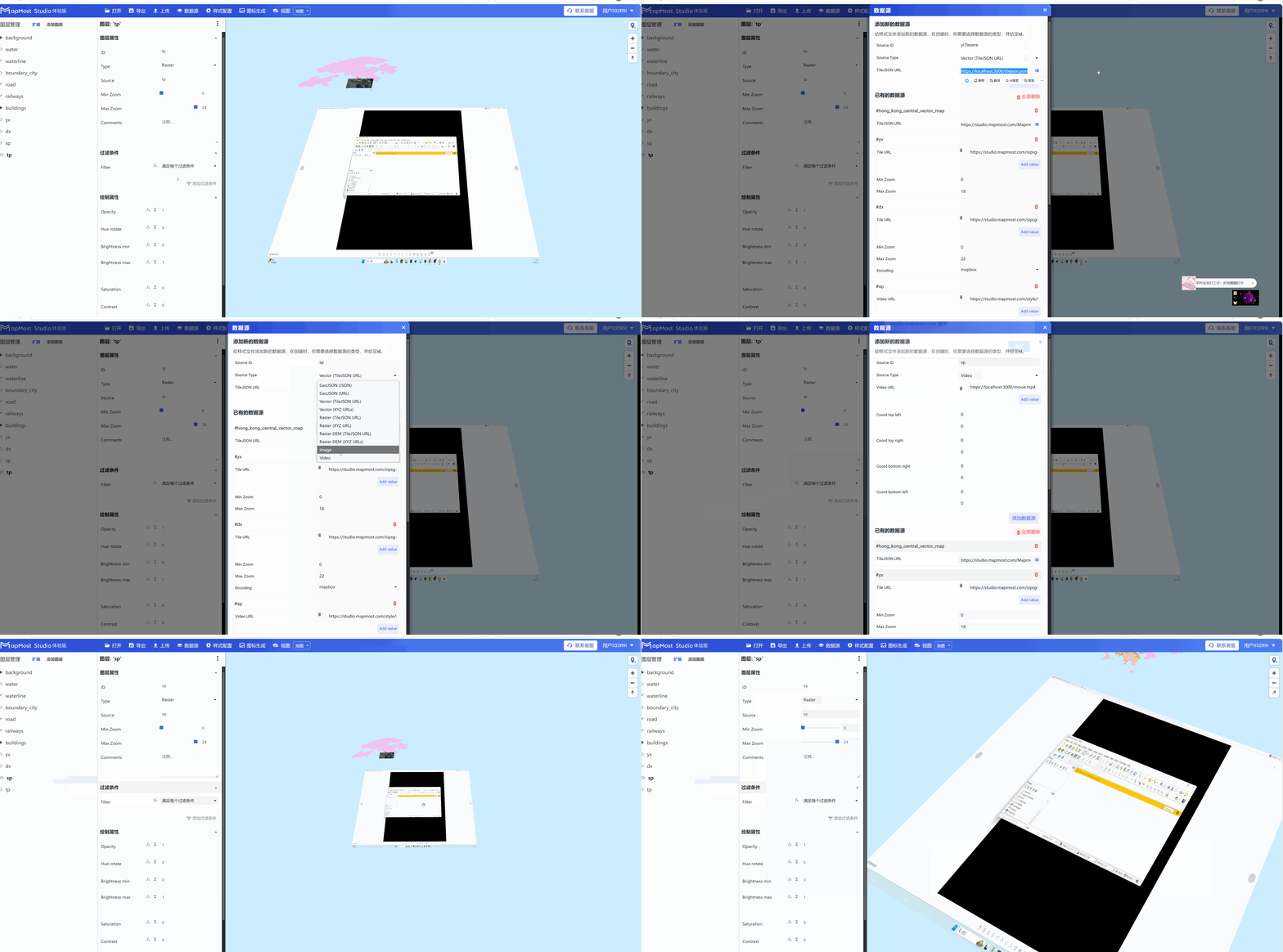
Click the "Data Source" button and a pop-up window will appear;
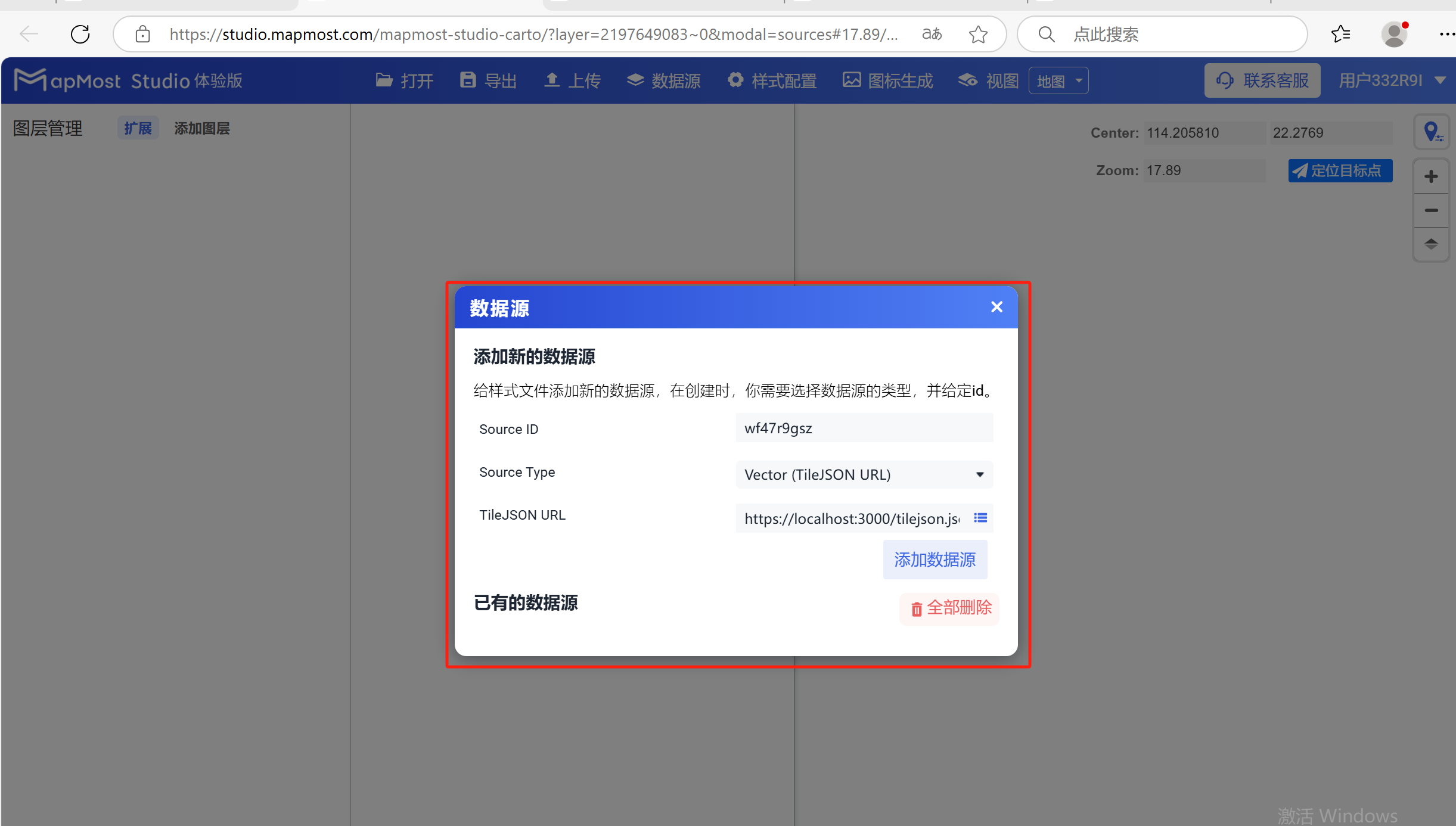
2.1 "Source ID" setting
- "Source ID" is used to set the data source name. The name can be customized or use the platform default value. It is recommended to use English when customizing";
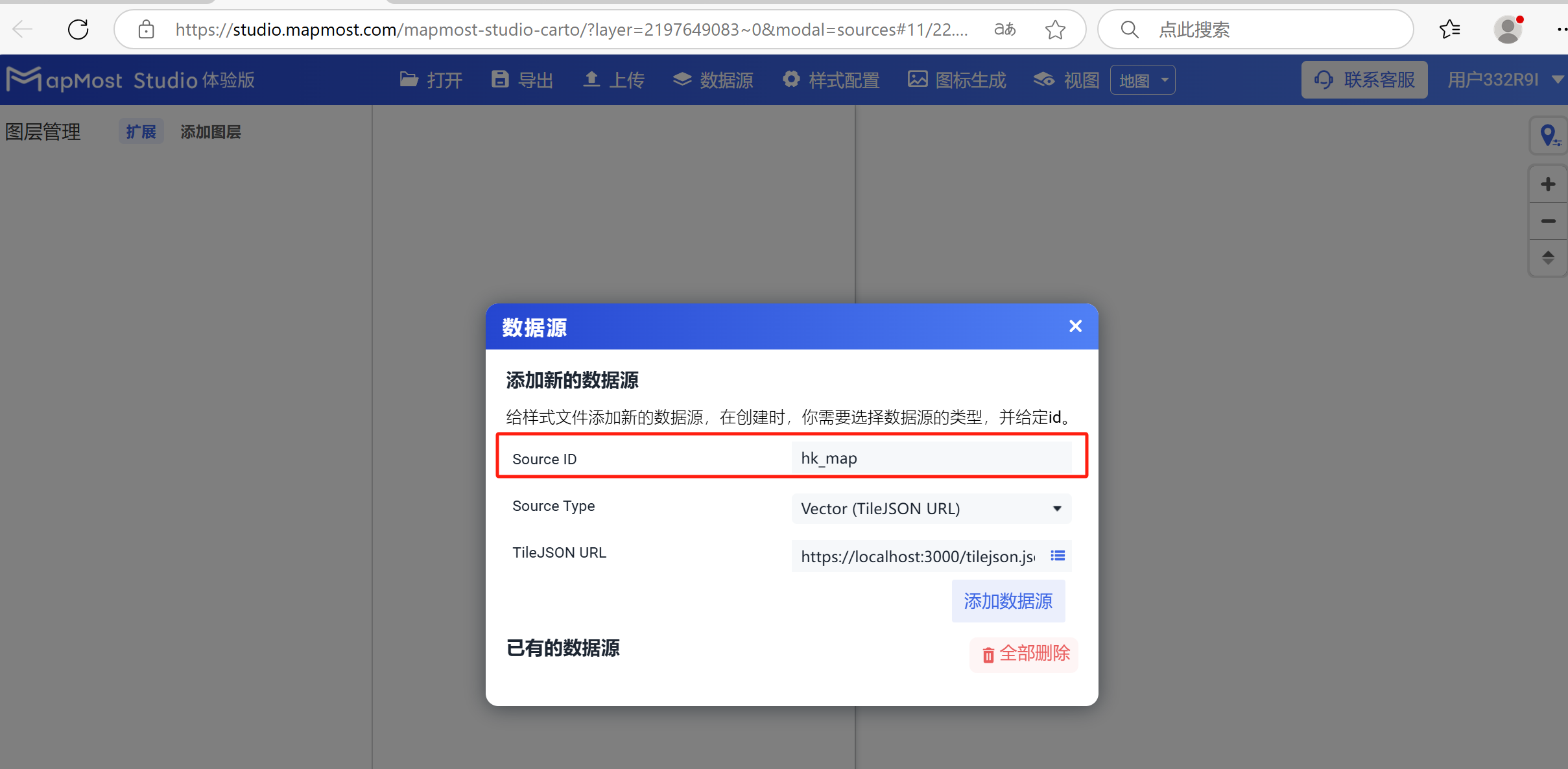
2.2 "Source Type" setting
Select the data source type for "Source Type";
① "GeoJSON(JSON)", Json data service;
② "GeoJSON(URL)", Json data service;
③ "Vector(TileJSON URL)", add vector data service in the form of TileJSON;
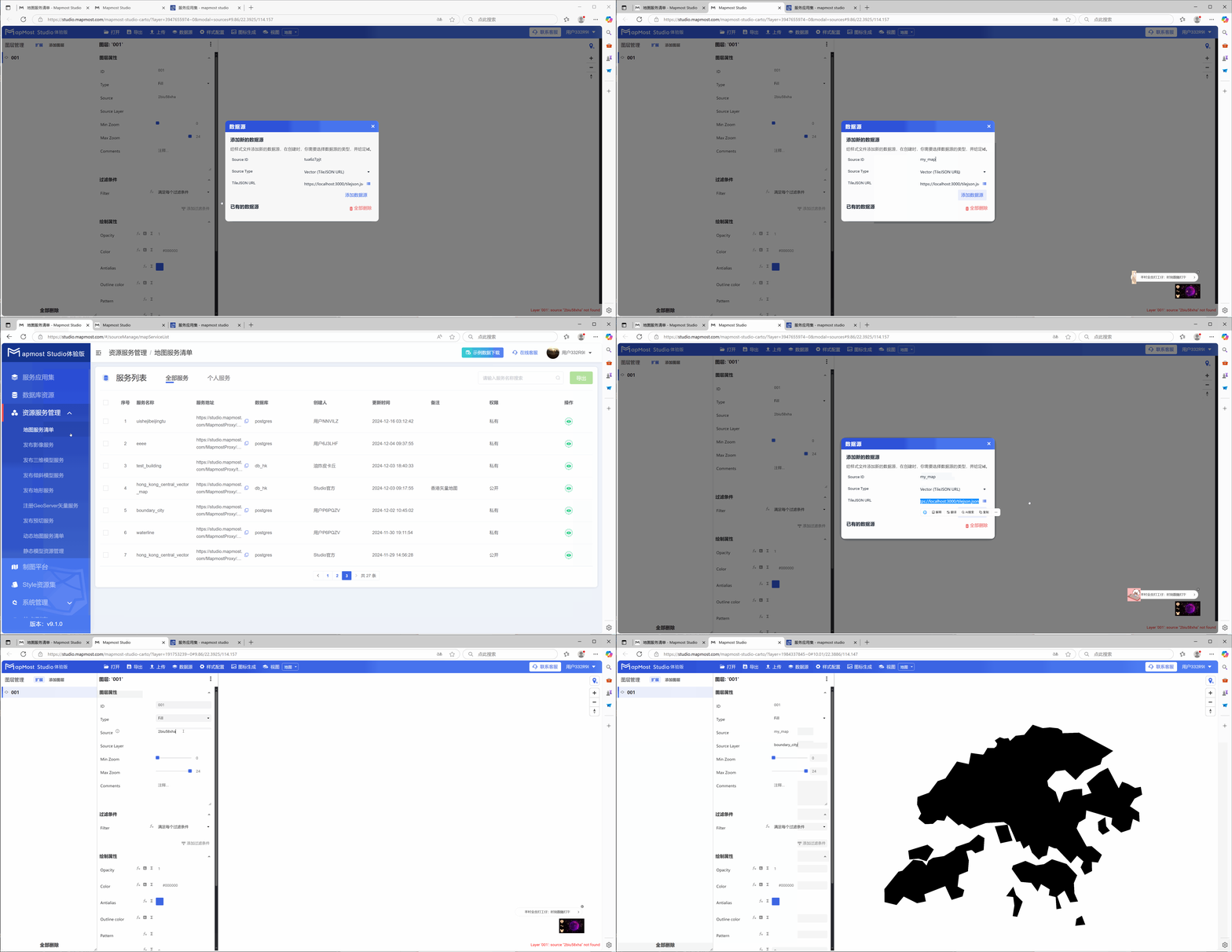
④ "Vector(XYZ URLS)", add vector data service in the form of XYZ URL, you can only add one vector data layer in the service, take adding building data as an example;
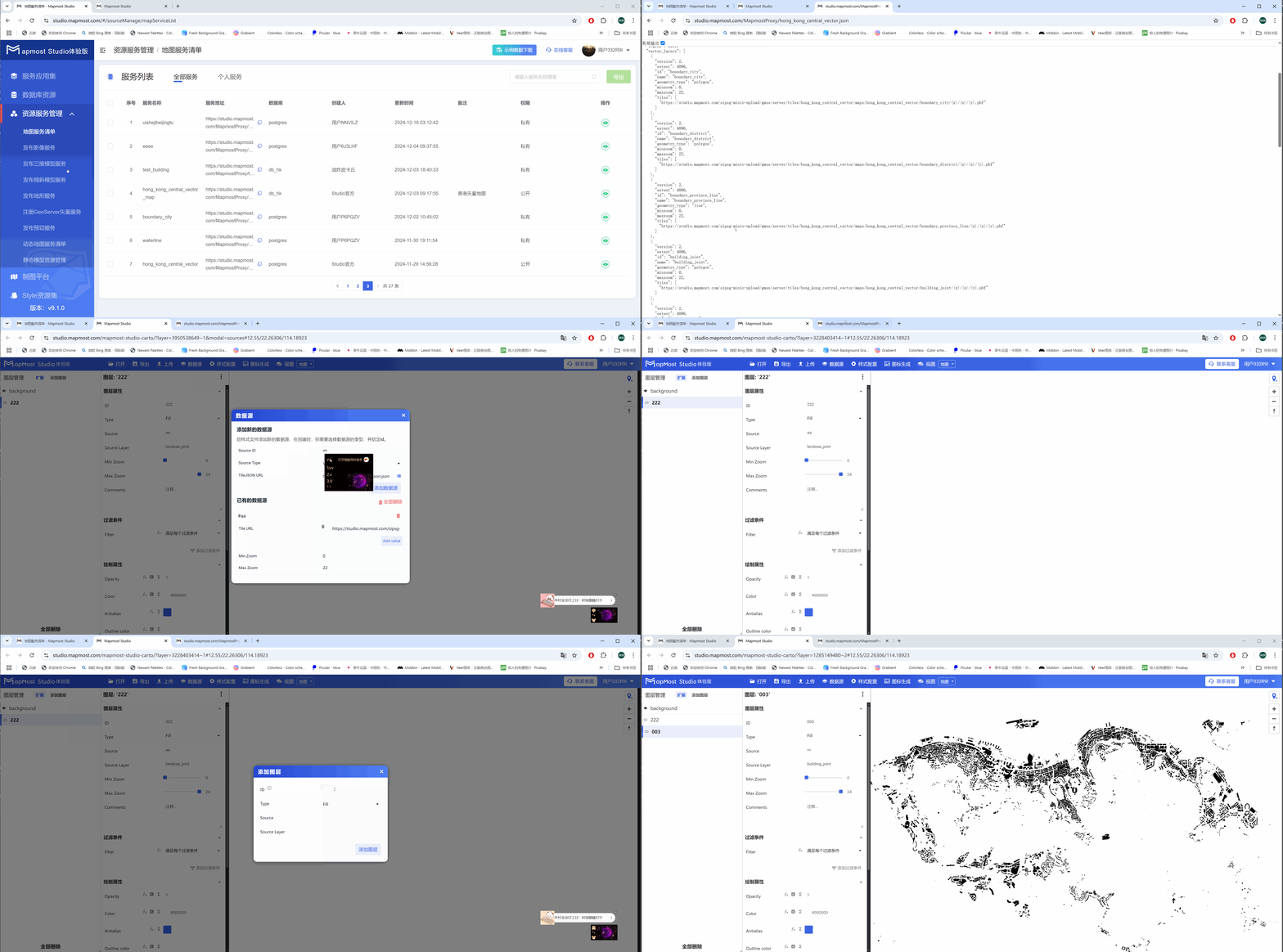
⑤ "Raster(TileJSON URL)", image data service;
⑥ "Raster(XYZ URL)", add image data service in the form of XYZ URL;
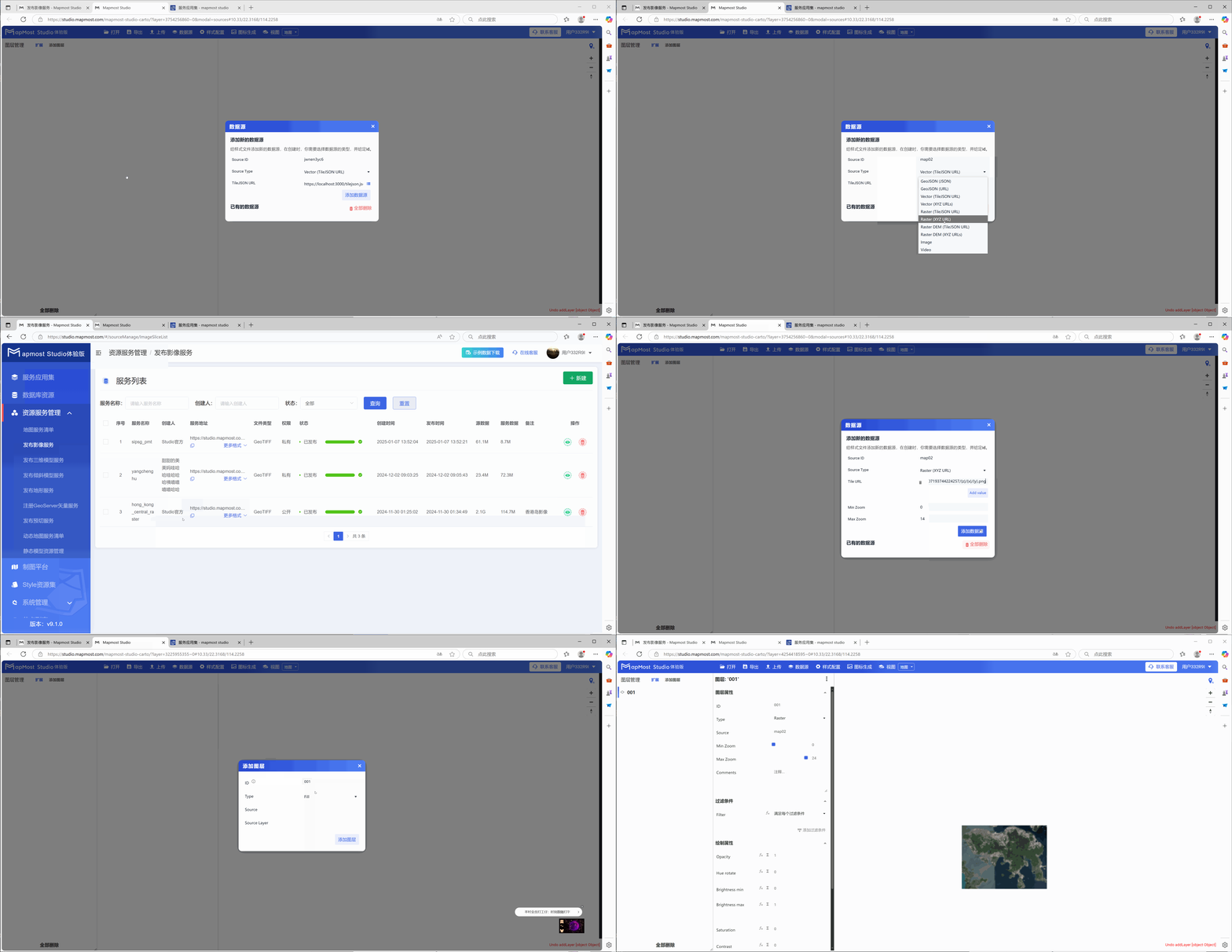
⑦ "Raster DEM (TileJSON URL)", elevation data service;
⑧ "Raster DEM(XYZ URLS)", add elevation data service in the form of XYZ URL;
⑨ "Image", add image service (available to official users), the image needs to be configured with the coordinate values of four points;
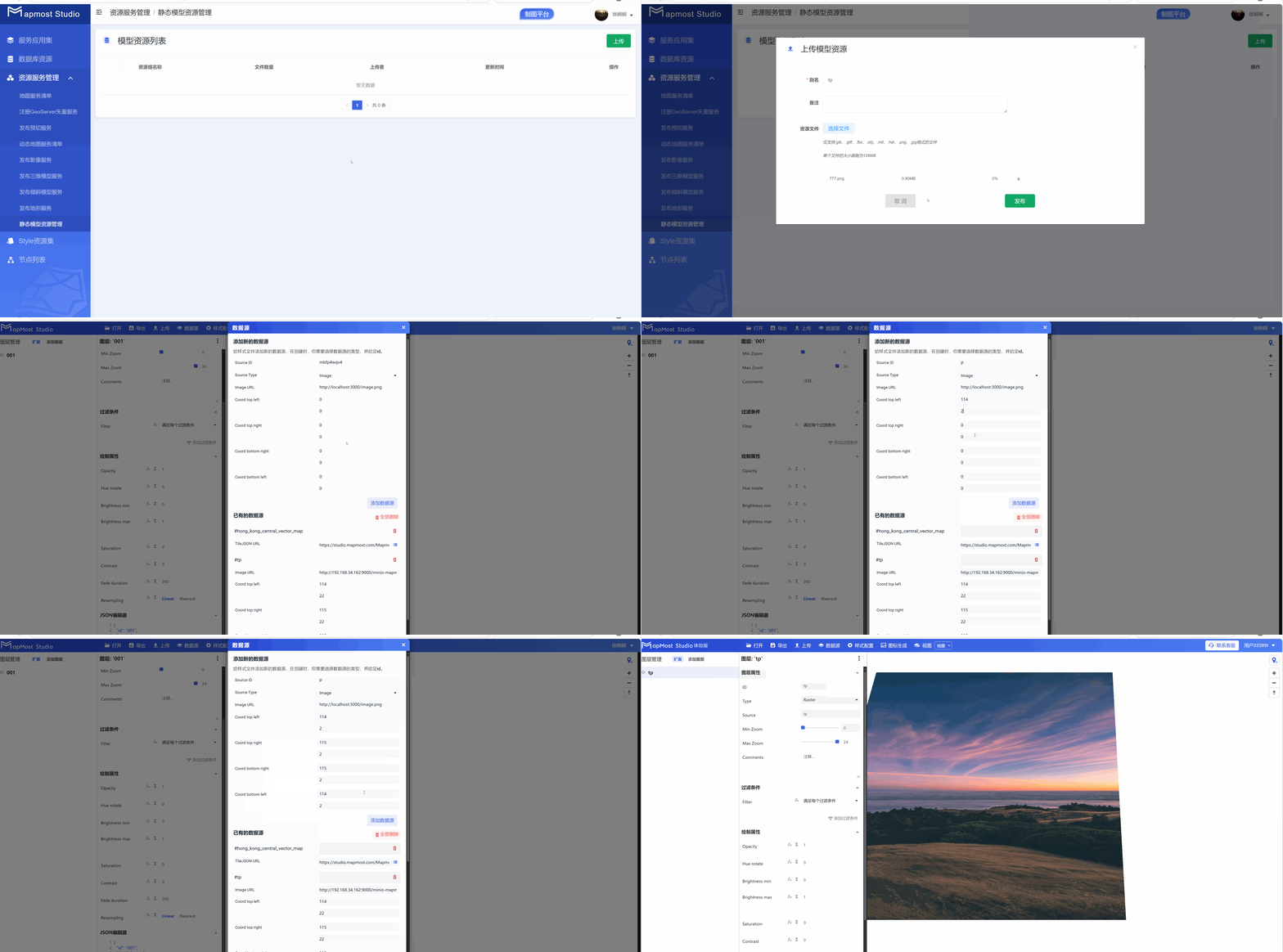
⑩ "Video", add video service (available to official users), upload the video to the database or Baidu network disk, obtain the link address, and load the video. The video format only supports MP4, and the video needs to configure the coordinate values of four points;
2.3 "TileJSON URL" setting
- Enter the data service address in "TileJSON URL". The service address can be found in the "Resource Service Management" of the platform;