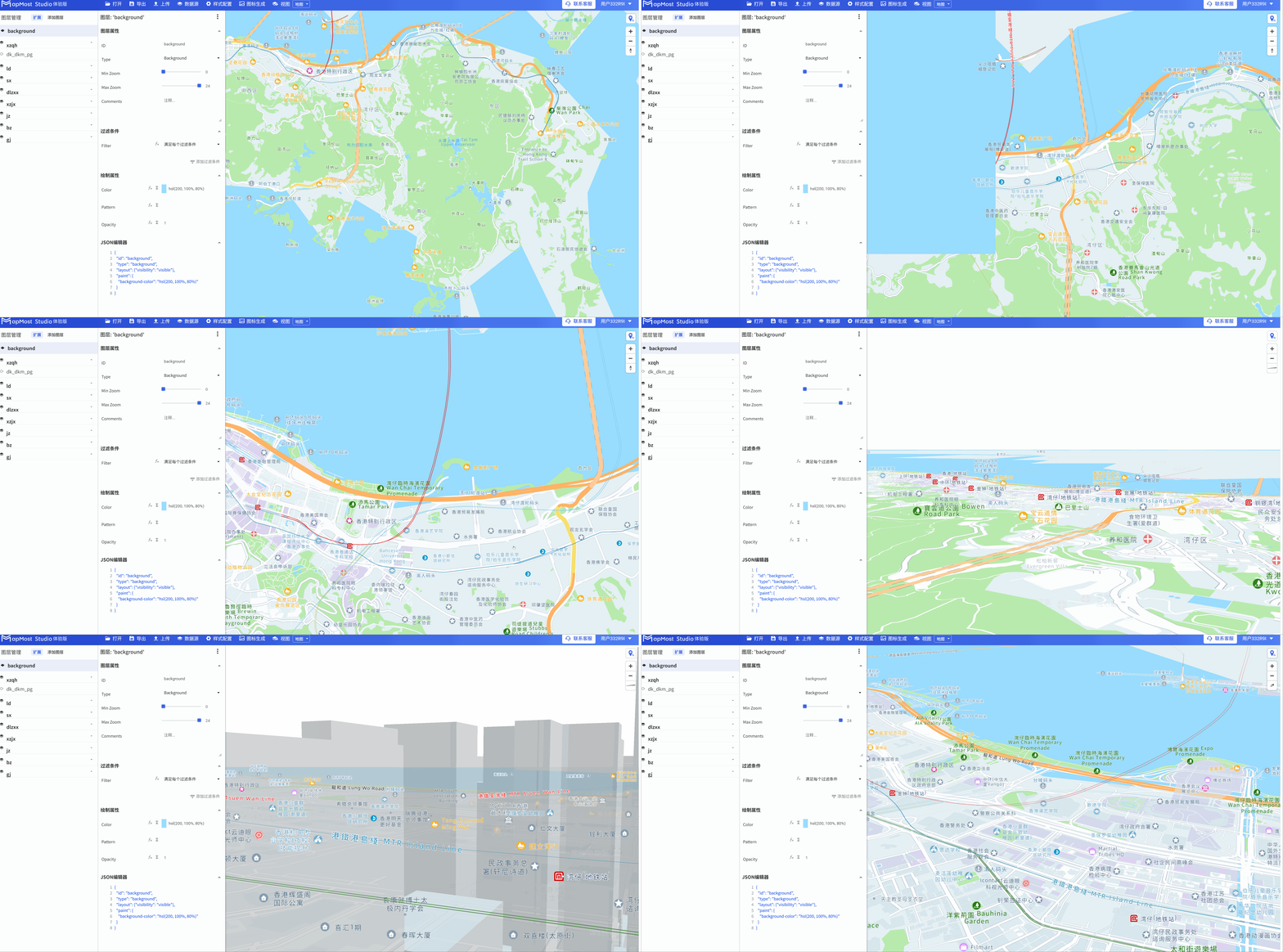
Cartography page overview
Help users quickly understand the functions of Mapmost Studio product mapping module through page overview;
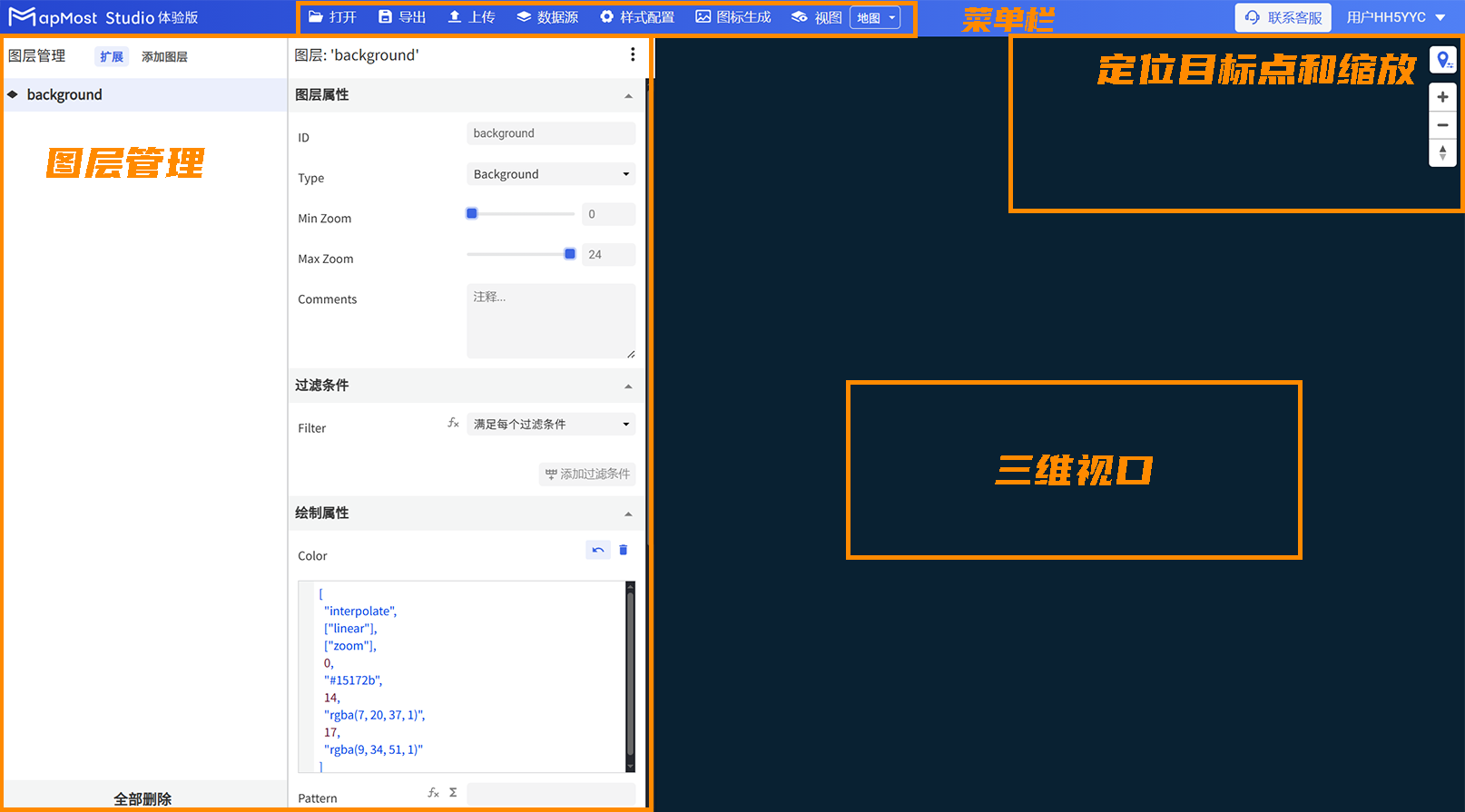
1. menu bar
The menu bar includes map import and export, adding data sources, uploading icon files, and data viewing functions. For details, please refer to "Menu Bar";

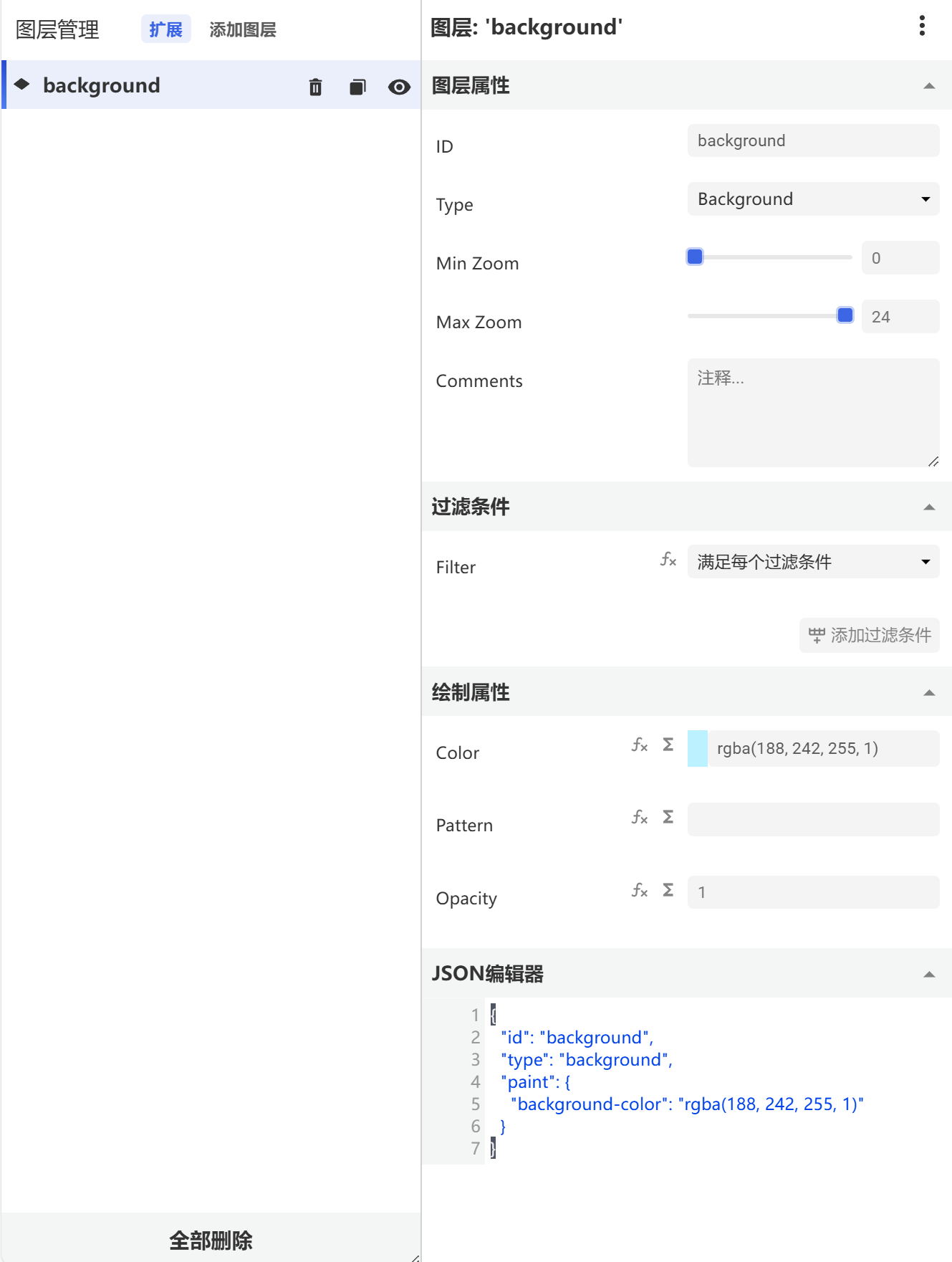
2. Layer management
Layer management includes the functions of adding, deleting, displaying, hiding, sorting, grouping, and map drawing of layers. For details, please refer to "Layer Management";
3. Locate target point and zoom
Locate target point and zoom functions are responsible for quickly finding data locations and controlling the zoom in and out of the map. For details, please refer to "Locate target point and zoom";

4. 3D viewport
Three-dimensional viewport supports mouse interaction, viewing map details, left-click panning, right-click rotation, and wheel zoom;