
History and Restore

History stores key actions made during calibration and cropping, allowing you to restore an earlier state after an error or an unsatisfactory result.

Calibration History

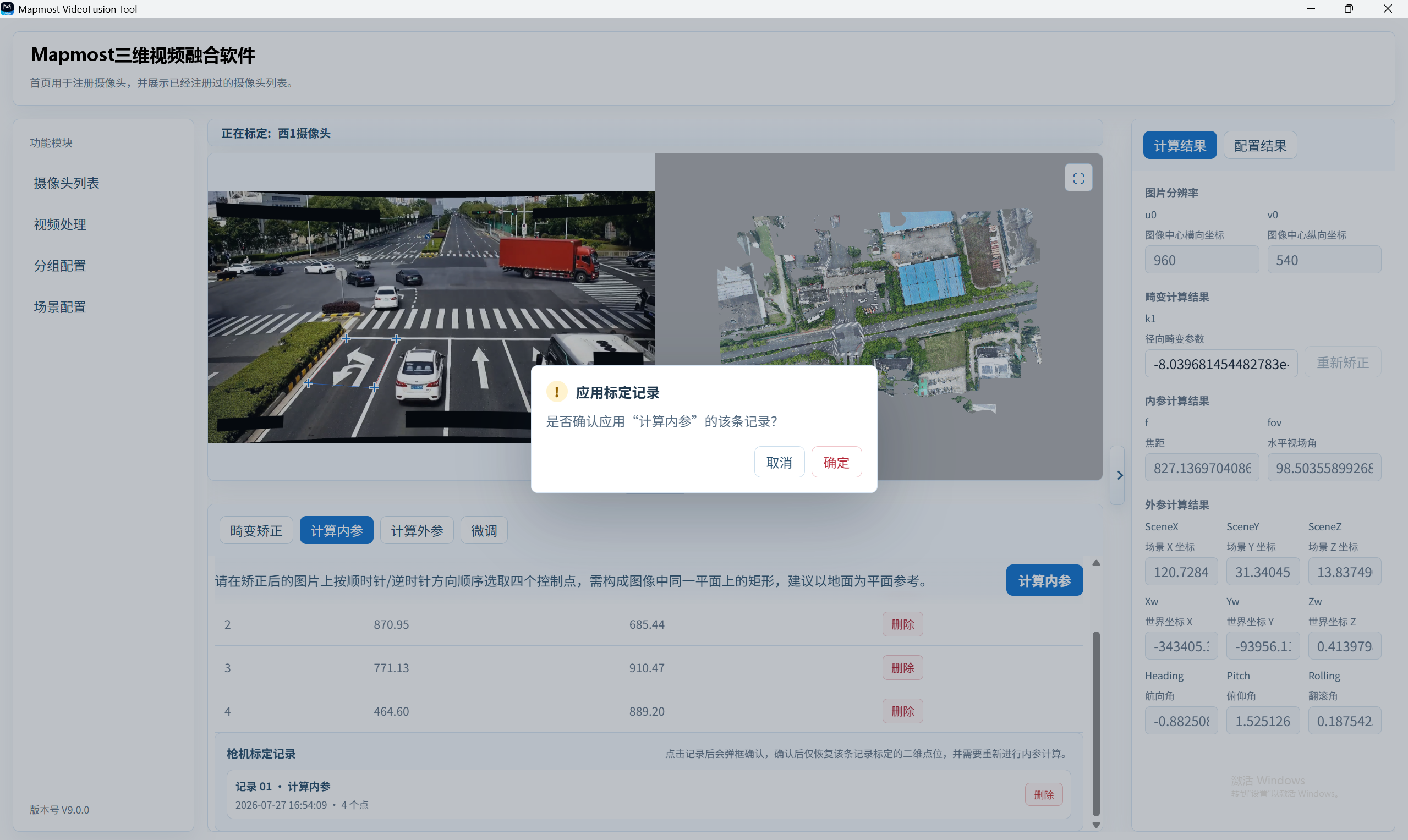
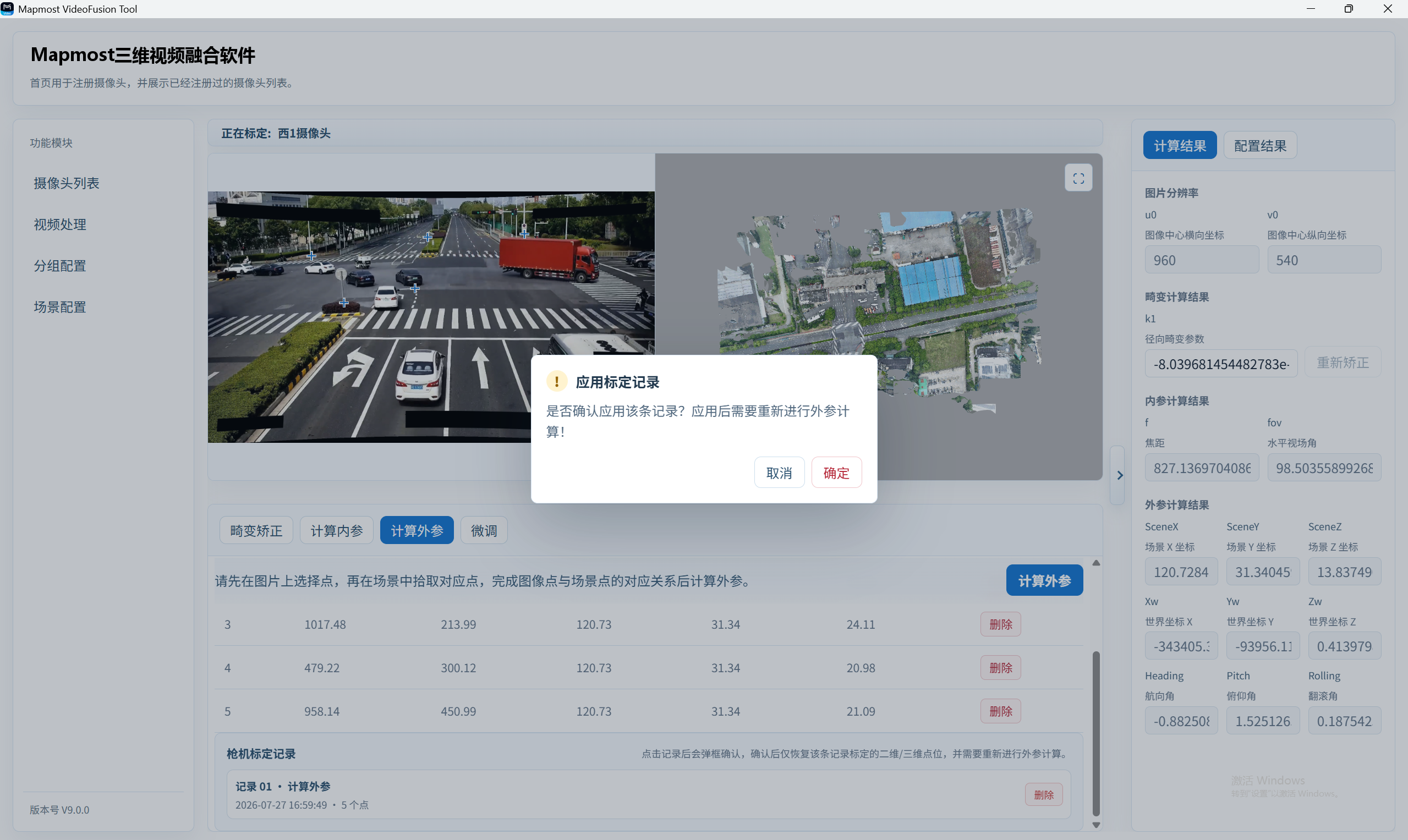
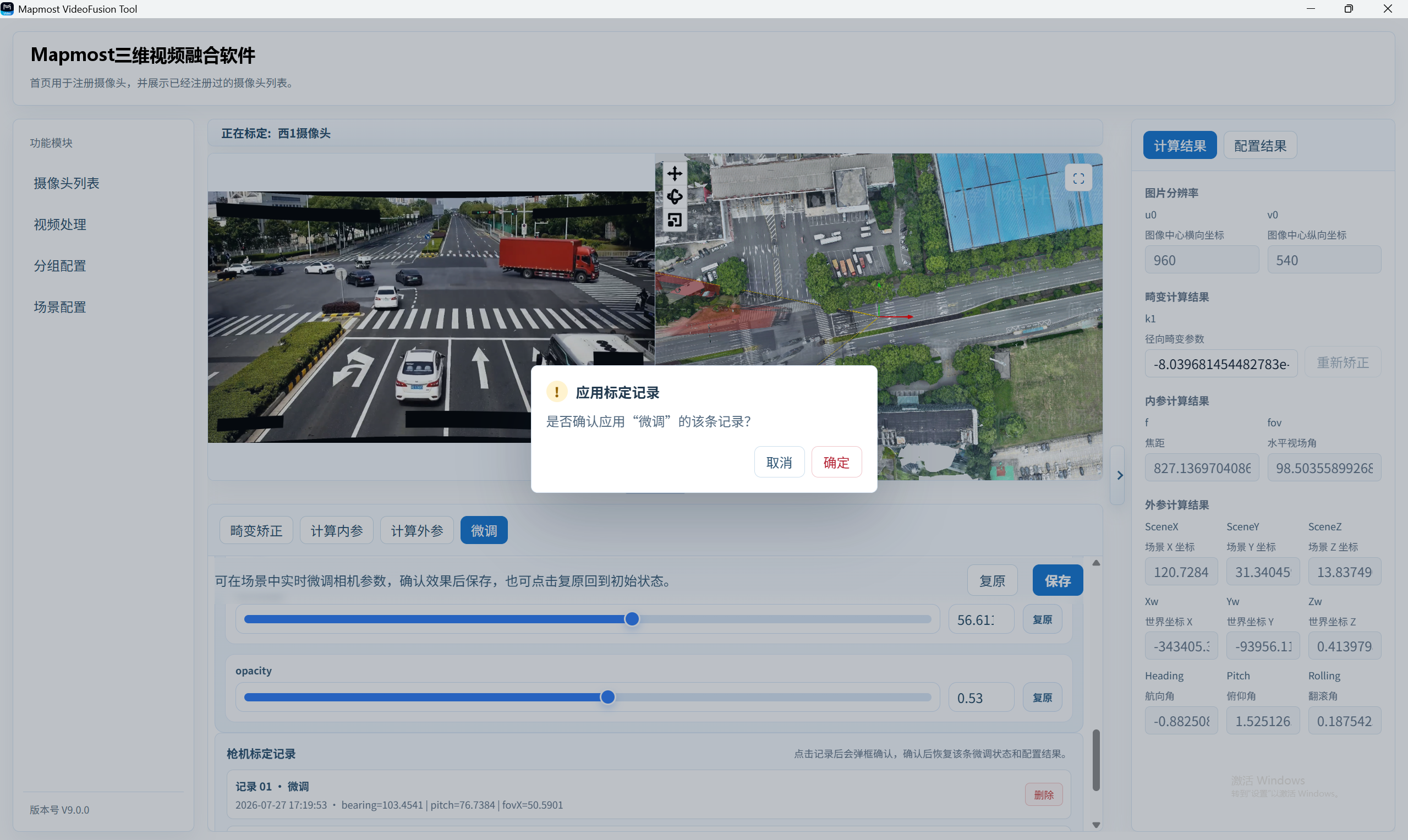
  • Both Fixed Camera Calibration and Fisheye Calibration pages provide a calibration-history list.

  • The system automatically creates a record after every key calculation or point confirmation.
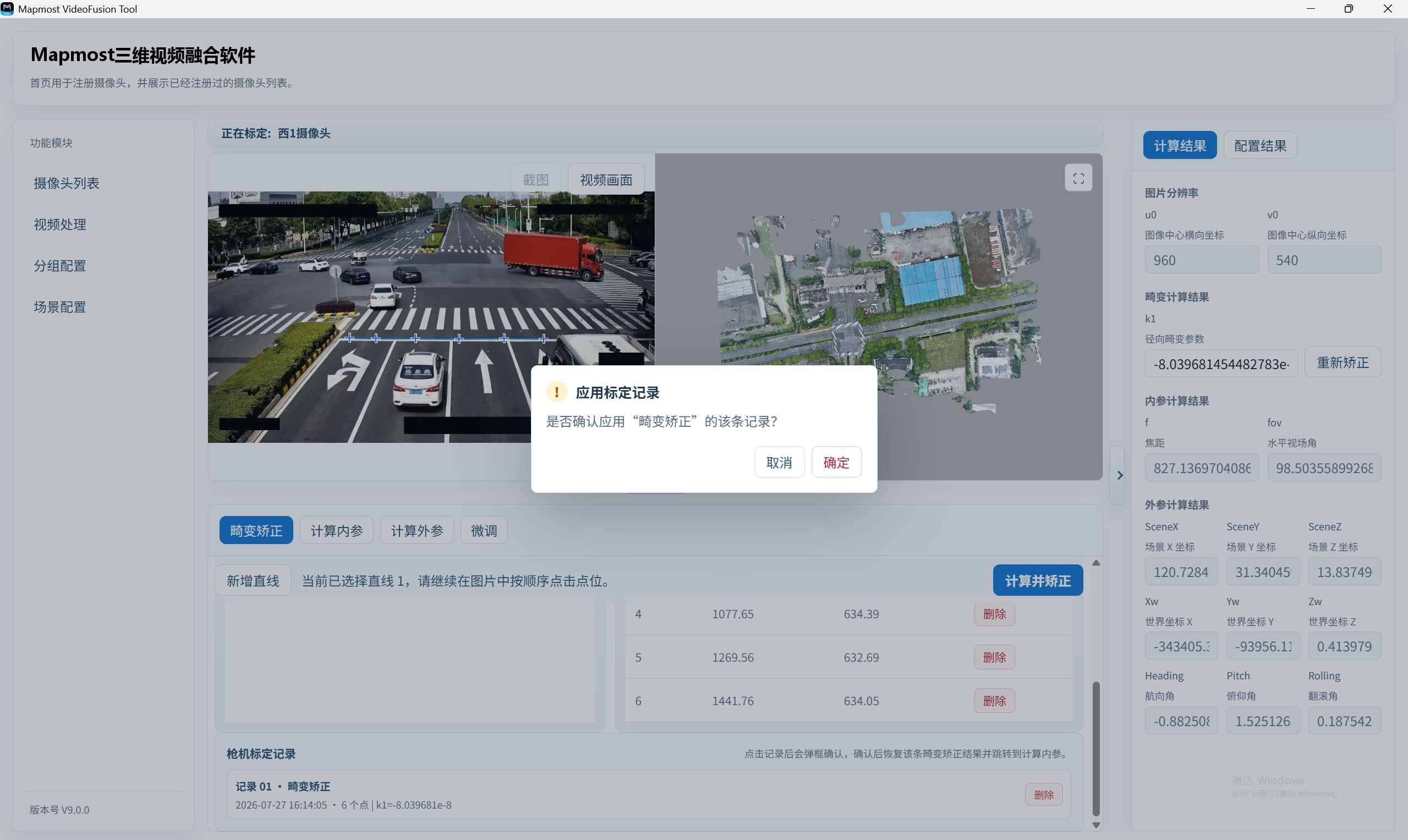
The system automatically creates a record after every key calculation or point confirmation.

Crop History

  • The Video Processing page saves crop history for each camera.

  • The system creates a crop-history entry every time a crop is confirmed.

  • Clicking a crop-history entry opens a confirmation dialog to restore that entry.
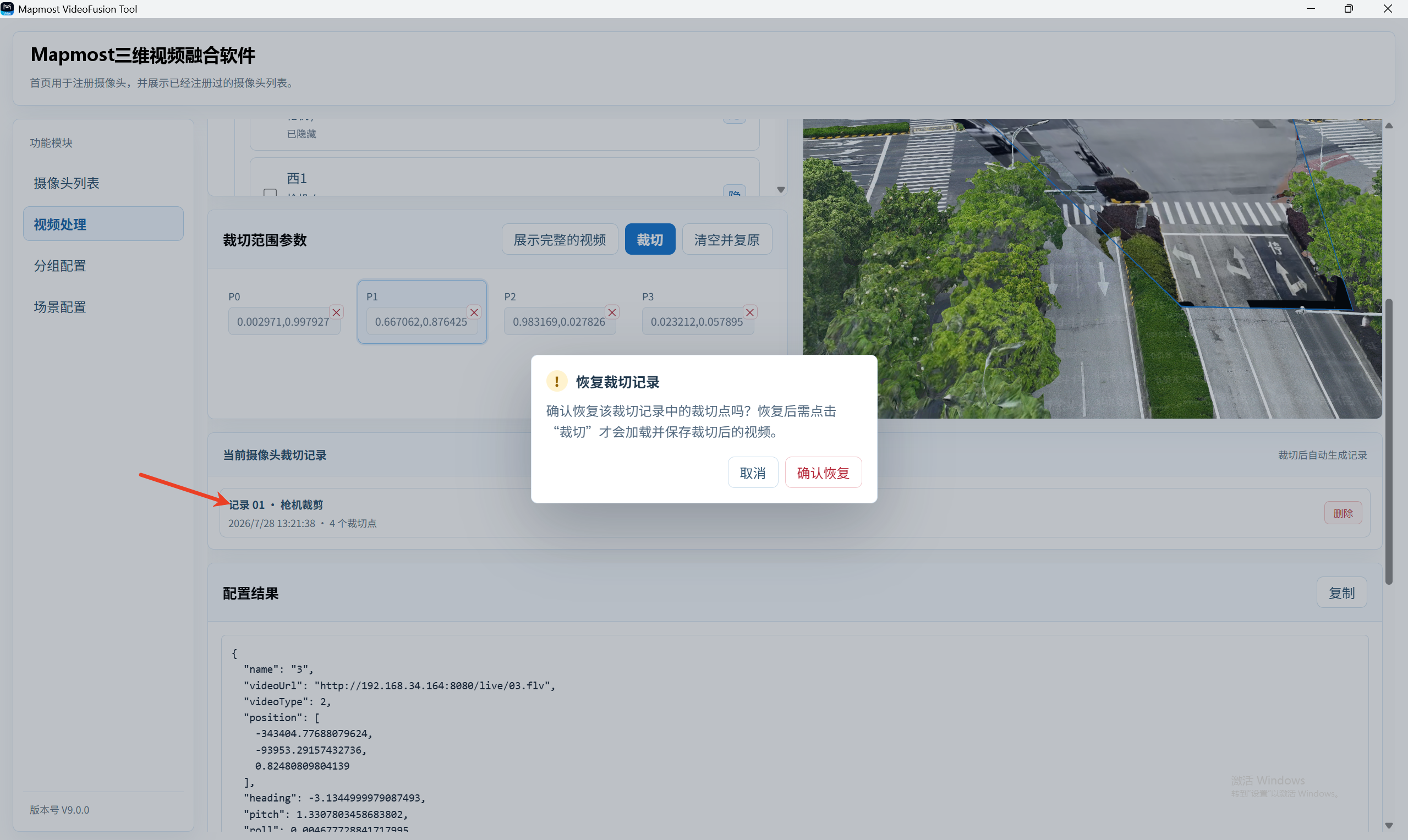
Confirm restoration of the crop-history entry.